Android Auto 18.1 brings no visible changes yet, but its code points to light and dark assets and new animations for the upcoming Cielo redesign.
A quiet update with visible clues
Android Auto 18.1 has reached stable users, and its most notable work is happening out of sight. The release doesn’t add visible features, but its code contains more pieces for Google’s planned redesign, including light and dark mode assets and dashboard animations. For drivers installing it now, there’s no new screen or control to point to; the clues are in the files bundled with the app.
That distinction matters. App resources can show what a team is preparing, but they don’t tell us how complete a feature is or when it’ll be switched on. Android Auto 18.1 is therefore more interesting as a signal of ongoing development than as an upgrade drivers will immediately notice. A quiet release, with a paper trail.
What changed between versions
The update follows Android Auto 18.0, released in mid-October. Version 18.1 appeared in beta later that month before beginning its stable rollout this week. That sequence gives the release a familiar pattern: testing first, then a wider distribution, while the user-facing experience appears unchanged for now.
For drivers, that means the version number alone doesn’t promise a new capability. Stable updates can include internal changes, compatibility work, or assets intended for features that aren’t enabled yet. Google hasn’t described a specific user benefit for 18.1, so the most grounded reading is also the simplest: the app has gained more material associated with a redesign, while its current interface remains in place.
Light and dark assets point to the redesign
Among the new resources are light and dark mode icons identified for Samsung devices. Android Auto already adjusts some interface details depending on whether a driver’s phone is a Samsung or a Pixel, so these files may support device-specific elements in the redesigned interface. The labels suggest that appearance could vary with the device or display mode, though the files alone don’t show precisely where the icons will appear or how they’ll behave.
They could also relate to upcoming Quick Settings tiles, which may use Samsung-specific icon treatments. That remains a possibility, not a confirmed feature of 18.1. Similar systems often carry separate visual assets to keep controls legible across themes and device families, but the presence of those assets doesn’t establish which parts of the interface will use them.
If you're working in this space, the practical point is that platform consistency takes more than drawing a new screen. Icons, theme variants, and device-specific behavior all have to fit together. And this is the part most people overlook: those details can appear in an app package well before users have any way to try them.
“Cielo” continues to take shape
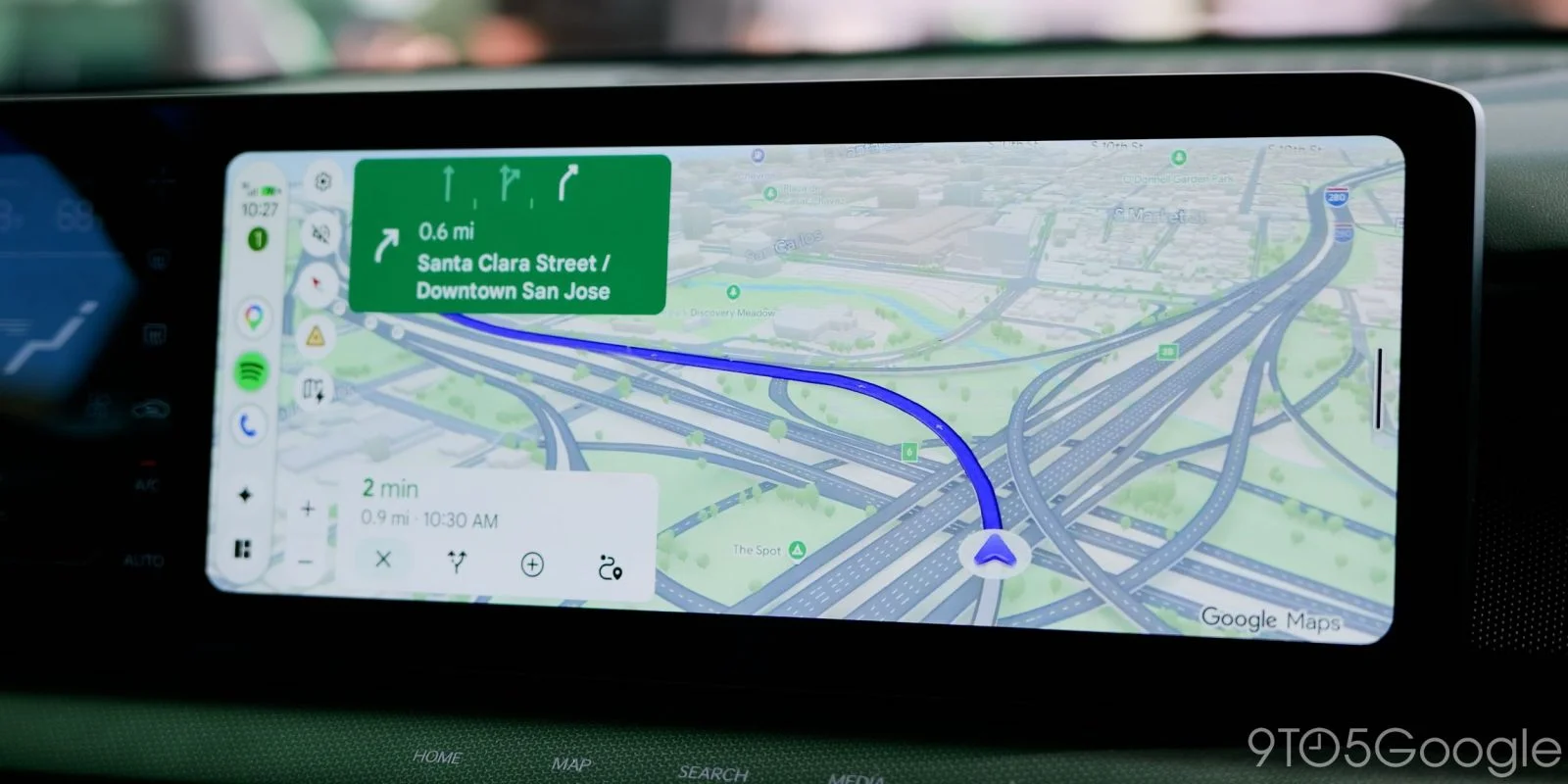
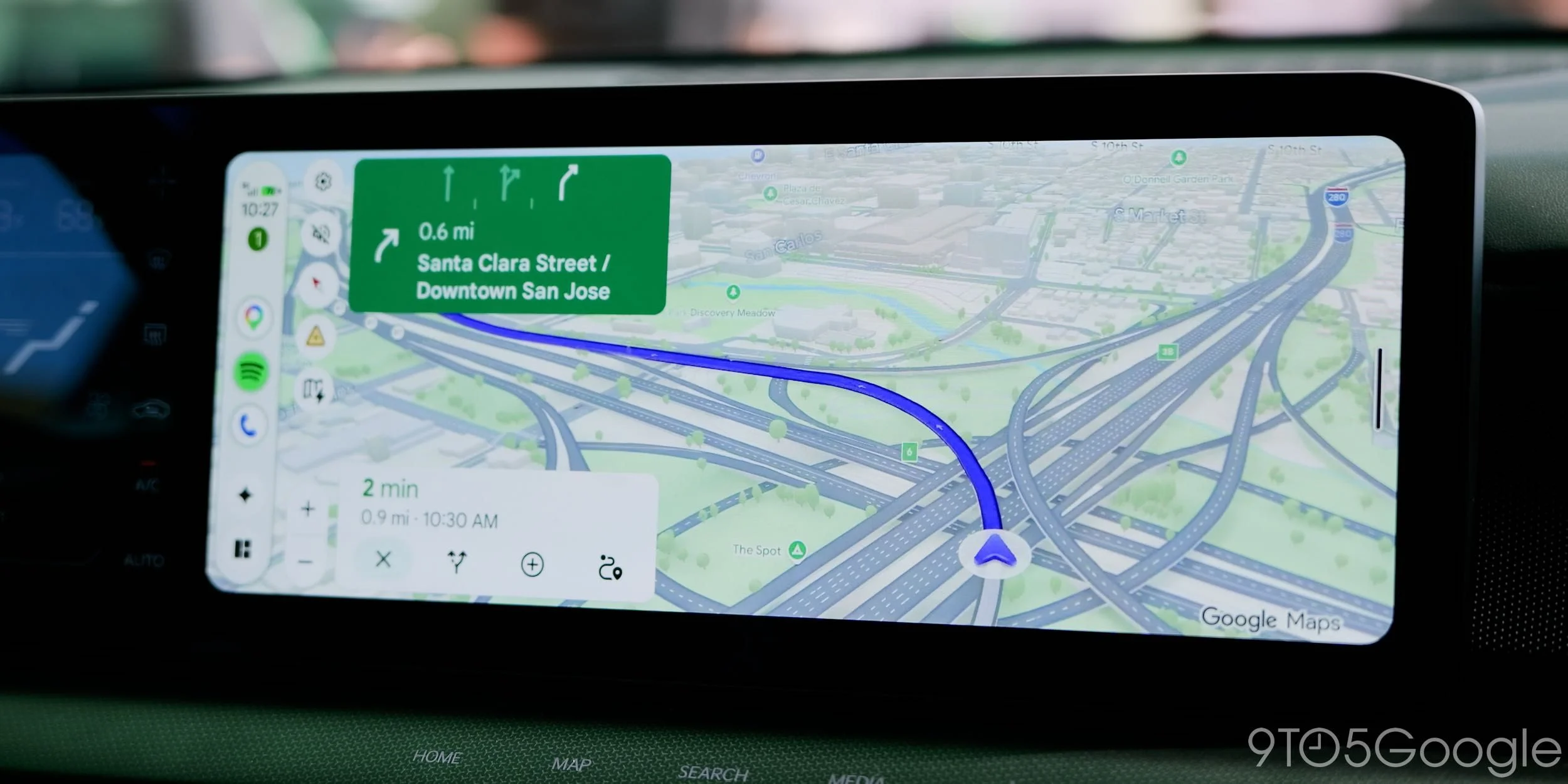
The code also continues to reference “Cielo,” the apparent codename for Android Auto’s widget-focused redesign. Version 18.1 includes resources for map scaling and transitions that slide dashboard elements in and out. Their names point to specific interface states, such as a dashboard entering or leaving the screen, rather than a single static layout.
Similar effects appeared in hands-on demos in May, so the new files look like more implementation work on a design Google has already shown. That connection makes the resource names more meaningful than an isolated hint: they fit a broader direction already visible in demos. Still, animation files don’t prove that every effect will ship as shown, or that the final experience will be identical across vehicles and displays.
- ic_samsung_light_mode.xml
- ic_samsung_light_mode_auto.xml
- cielo_map_scale_out.xml
- cielo_dashboard_scale_fade_enter_widescreen.xml
- cielo_launcher_no_op_exit.xml
- cielo_notification_center_app_scale_fade_in.xml
- cielo_launcher_app_scale_enter.xml
- cielo_dashboard_slide_out_to_left.xml
- cielo_dashboard_slide_in_from_right.xml
These names offer a rough map of the work: dashboard movement, launcher transitions, notification center behavior, and map scaling. They’re useful evidence of what the software is being prepared to do. They’re not a release note, and they don’t tell us whether a feature is finished, enabled, or headed for every user.
What the clues mean for drivers
Google hasn’t shared a launch date for Cielo. The steady appearance of supporting assets suggests the redesign is being built out, but code found in an app update can’t confirm when—or whether—each feature will reach users. That uncertainty is the central limit of reading an update this way: implementation can advance without a public launch plan, and assets can remain unused or change before release.
This is more significant than it looks, but only as a development signal. A widget-focused dashboard could change how drivers see information at a glance, while transitions and theme support would shape the feel of that interface. The current update doesn’t show those changes in action, so claims about their usefulness or final design would be premature. For now, Android Auto 18.1 is a quiet release that offers a clearer view of the interface changes taking shape behind the scenes.
Here’s the thing: the next meaningful update will be the one that puts these pieces in front of drivers, where they can judge whether the redesign makes everyday use clearer. Until then, 18.1 gives curious users a set of clues, not a new experience.
More on Android Auto:
Our Favorite Android Auto Accessories:
Follow Ben: Twitter/X, Threads, Bluesky, and Instagram


FTC: We use income earning auto affiliate links. More.
Discussion
Sign in to join the discussion.