Google Health 5.11 adds broader workout detection, new Fitbit health trends, glucose tools and more accurate sleep tracking.
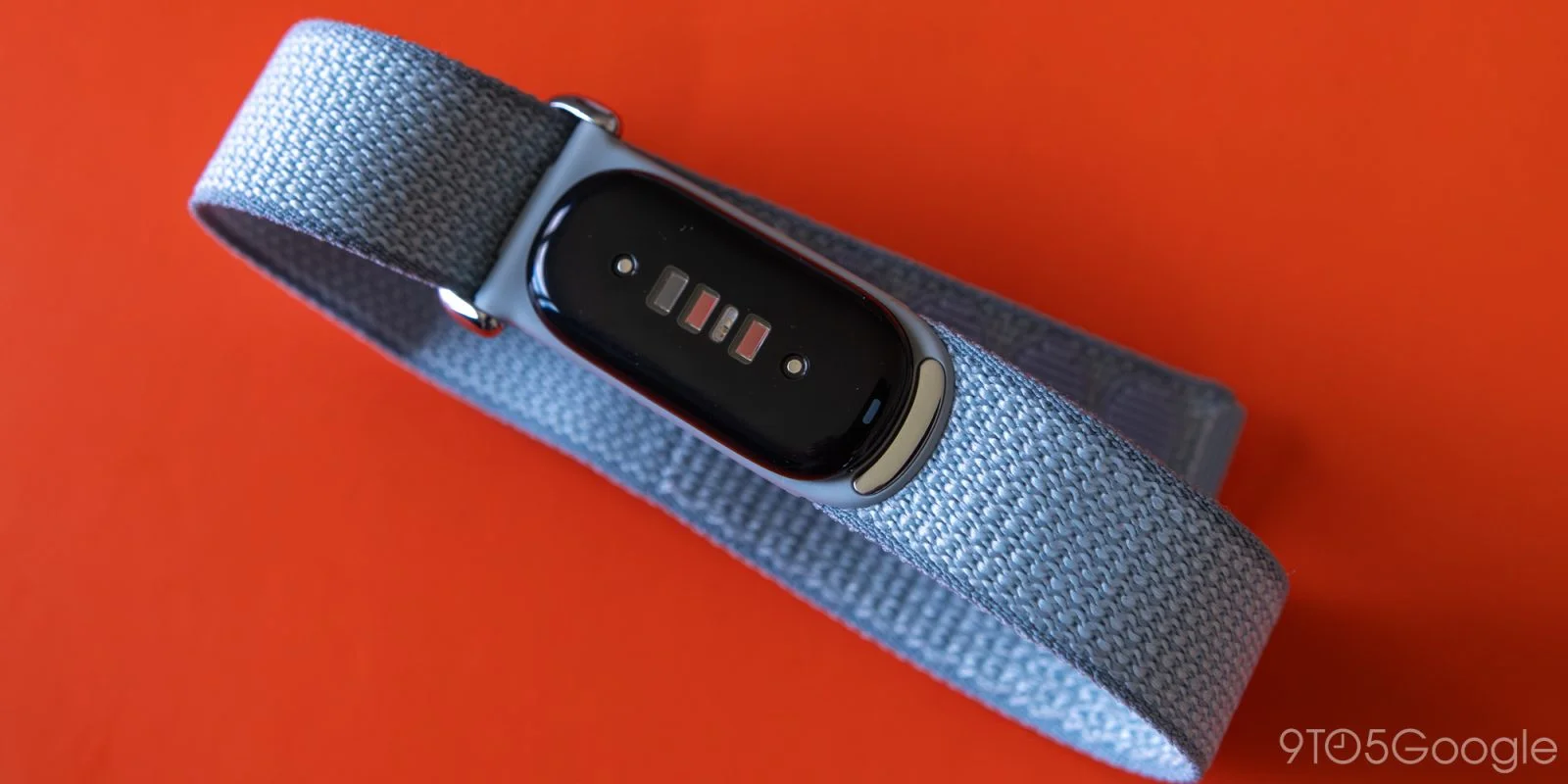
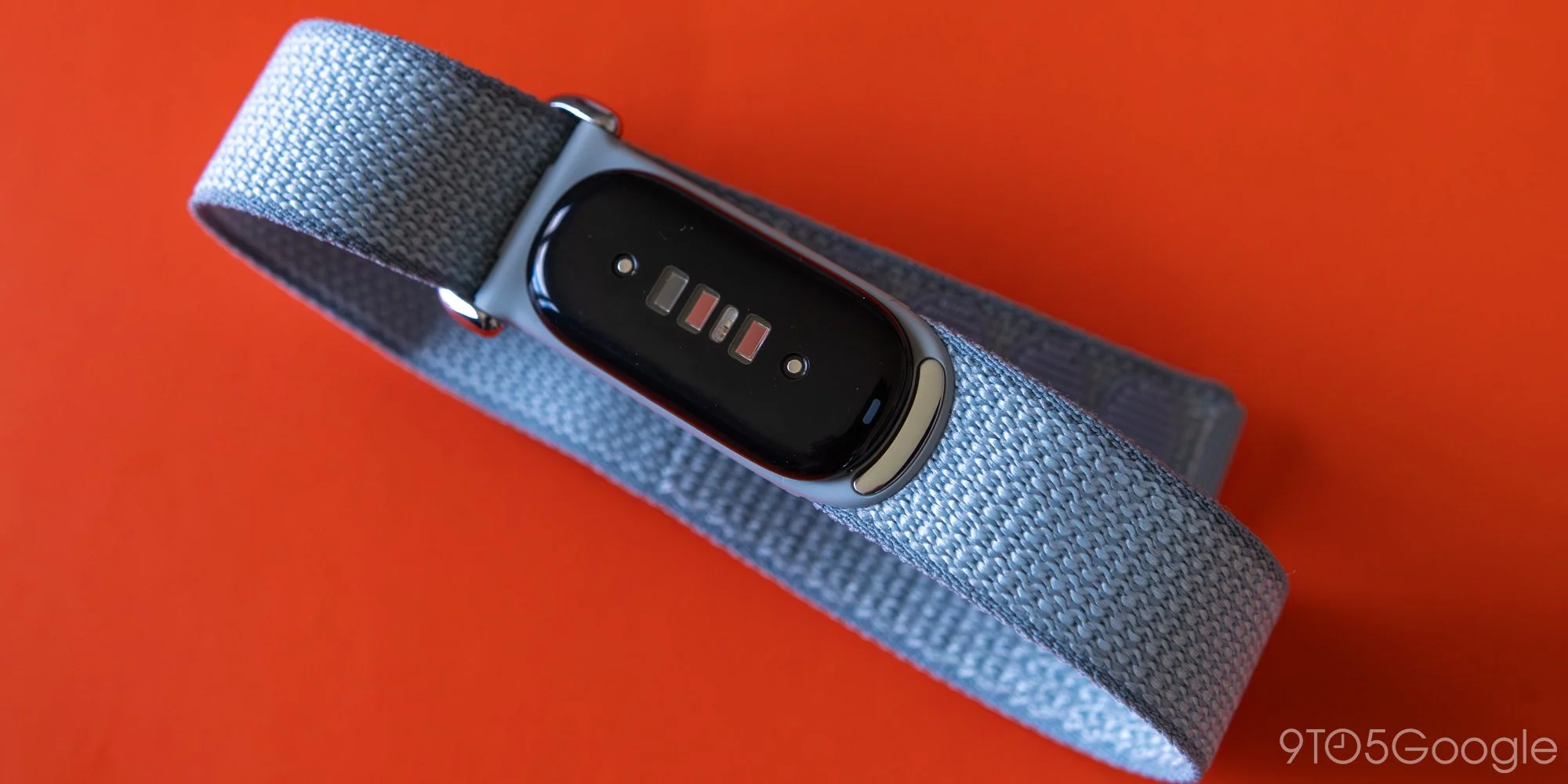
Google Health 5.11 gives Fitbit and Pixel Watch users a wider range of automatically detected workouts, while adding new health trend reports and refinements to glucose and sleep tracking. The update is rolling out this week, but its features don’t arrive as a single, universal package: availability depends on device, subscription status and, for some reports, whether the user wore a device during October. That makes this less of a broad redesign than a collection of targeted changes. For people whose devices and habits fit the requirements, some may be useful; others may find that the headline features aren’t available to them.
Activity tracking covers more workouts
Automatic activity detection is available now on Fitbit Air and Pixel Watch 3, 4 and 5. Fitbit Edge is set to get it at launch on October 27. Google says the feature can recognize up to 100 activities, up from 10, including strength training, swimming, racket sports and team sports. The larger activity list addresses a familiar weakness in automatic tracking: systems that recognize only a short list of common exercises can miss workouts that don’t fit those defaults, leaving users to add or correct them afterward.
The expanded activity detection also draws on workout routines, past activity and manual edits to improve its predictions. Google says this approach delivers nearly twice as many accurate detections and cuts missed workouts by more than half.2 Those are company-reported results, and the article doesn’t provide the underlying test details. Still, the approach makes practical sense: repeated routines and corrections can give a detection system more clues than heart-rate or movement patterns alone. The quality of those clues will vary from one person to another.
When a workout lasts at least 15 minutes by default and keeps heart rate elevated, the app can log it automatically. A workout summary typically arrives in Google Health within 30 minutes. Confirming or editing detected activities also helps the system learn a user’s patterns. That feedback loop matters because an automatic log is only useful if it’s accurate enough to trust. A wrong start time or activity label can make a tidy record misleading, so the option to review and correct a detection remains part of the feature, not just an extra.
The broader list is more significant than it looks. Many people don’t start a tracking app before every workout, particularly when an activity is spontaneous or their hands are occupied. Catching more sessions could make their records less dependent on remembering to press a button. But automatic detection still has a threshold, and the 15-minute default means shorter bouts may not be recorded. Users can also expect results to depend on the activity and on whether their heart rate stays elevated.
Health Guardian adds two trend reports
Fitbit Air and Edge owners with Google Health Premium can now set up blood pressure and insulin resistance trends through Health Guardian. The first reports are expected at the beginning of November, and eligibility depends on wearing the device during October. That timing creates a clear condition: the reports aren’t simply available as soon as the app updates. Users need the qualifying device, the subscription and enough wear history for the relevant trend.
- Blood pressure trends will appear in the Health Guardian section of the Health tab for users who wore Fitbit Air for at least five consecutive days in October.
- Insulin resistance trends track monthly changes in metabolic health. Access requires wearing the watch for at least seven days and nights in October.
These reports are framed as trends, which can help users see changes over time rather than treating each reading as a complete picture. That distinction is useful: a trend report can organize information, but it doesn’t explain on its own what caused a change or what action a person should take. The different wear requirements also mean that eligibility isn’t identical across the two features. If you’re working in this space, the practical question is how clearly the app explains both the data behind a trend and the conditions needed to generate it.
Here’s the thing: a report that arrives in November depends on data collected in October. That makes the feature feel less immediate than the update announcement might suggest, especially for users who haven’t been wearing the device consistently. (And this is the part most people overlook.) The subscription requirement narrows access further, so the addition is likely to matter most to existing Premium users who already wear a supported device regularly.
Glucose tools and sleep edits get updates
Google has renamed “Blood glucose” to “Glucose” across the app and updated its charts. Users with data from connected continuous glucose monitors can now set custom time-in-range goals under Metabolic in the Health tab: open Glucose, go to Settings and choose Set goal. The change gives people a way to tailor the target shown in the app, while the connected monitor remains the source of the readings. A customizable goal may make the chart more relevant to an individual’s tracking preferences, though the update description doesn’t specify how the revised charts differ.
In the US, Lingo by Abbott can connect directly to Google Health, with readings appearing in the app within 30 minutes. Premium subscribers can also ask Google Health Coach³ about glucose trends. The connection is available from the profile menu under Partner Apps.³ The direct connection reduces the steps needed to bring Lingo readings into Google Health, while the Coach feature adds a way to ask about patterns in that information. Neither detail means the app is replacing the monitor or the user’s own judgment. The update describes a connection and a question-and-answer feature; it doesn’t spell out how Coach forms its responses.
Sleep tracking now uses step data to better identify brief awakenings, such as getting up during the night. Users can also remove an incorrectly logged nap from its nap card. The two changes address different parts of the same problem: a sleep record can misread movement as uninterrupted rest, or classify a daytime rest as a nap when the user doesn’t agree. Step data gives the tracker another signal to consider, and the deletion option gives users a direct way to tidy up an inaccurate entry. Small corrections, but useful ones.
What the update means for users
Google Health 5.11 is available on iOS and is still rolling out on Android. The update’s practical value will depend on which device a user wears and, for several features, whether they meet the required subscription and wear-history conditions. Activity detection is the broadest change described here, but even that feature is limited to specified devices for now. The reports and glucose tools reach narrower groups.
That said, the direction is clear: Google is adding more ways for Health to assemble and interpret information already gathered through wearables and connected services. That can make the app more useful when its records are accurate and its limits are easy to understand. The release details leave some questions open, including how the activity claims were measured and what users will see inside the new trend reports. For now, the update offers incremental improvements with a practical catch: the benefits depend on the device, data and access each user brings to it.
Discussion
Sign in to join the discussion.