Googlebook users can soon unlock bootloaders, with Magisk root support in development to enhance modding capabilities.
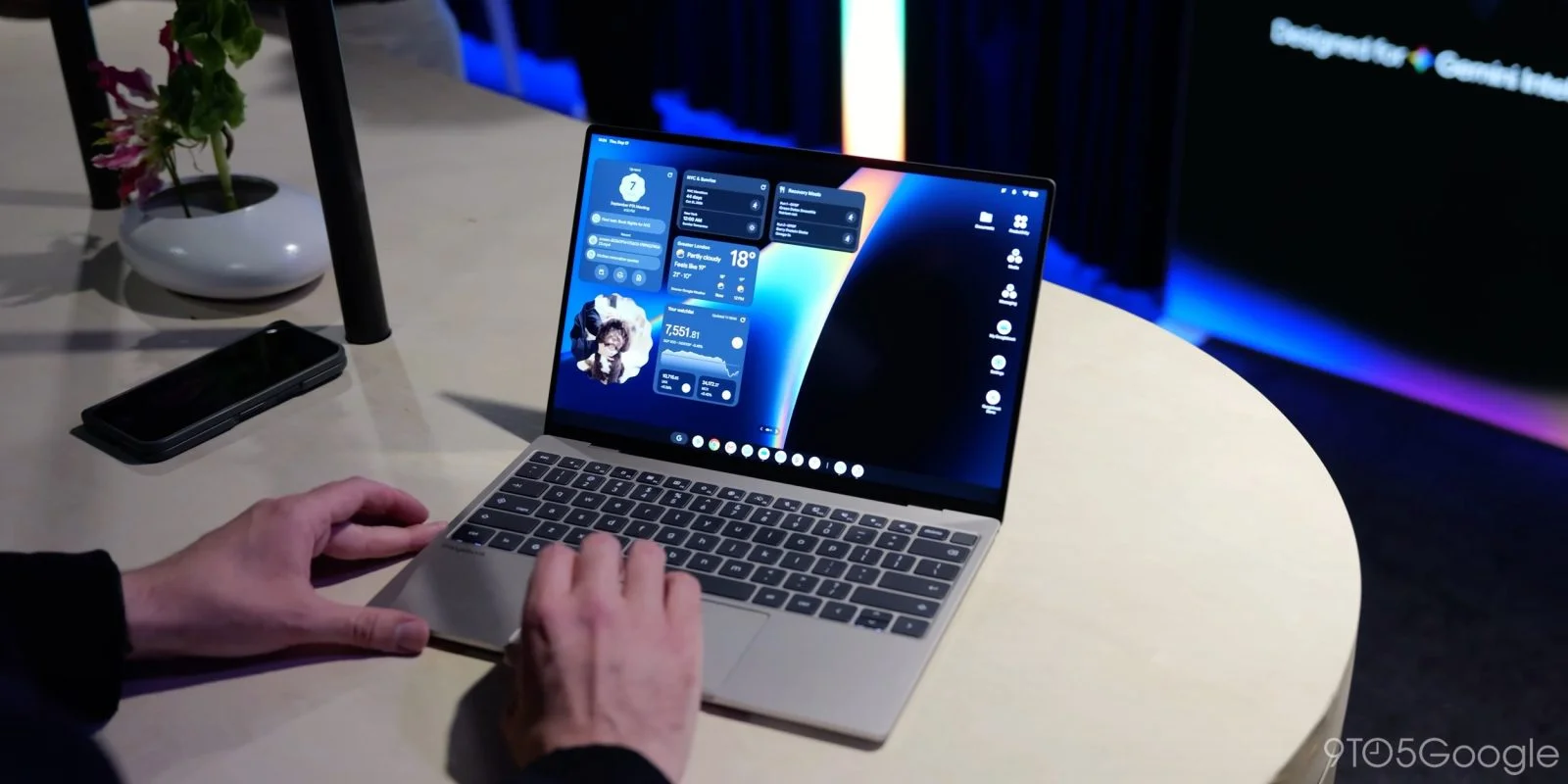
The Googlebook, an Android-based platform, has officially confirmed that users can unlock its bootloader. This feature opens up exciting possibilities for device customization, with Magisk root support already on the horizon.
According to a support document from Google, unlocking the bootloader allows “developers or advanced users” to install custom operating systems or test applications. However, Google advises that most users won’t need to make this modification.
To enable bootloader unlocking, users must navigate to the Settings menu, activate OEM unlocking through Developer options, and then use a specific key combination: hold Esc + F2 while pressing the power button, releasing all buttons when the screen activates. The bootloader unlock option can be found in the “advanced options” menu thereafter.
What’s Ahead for Googlebook Users
In exciting news for modders, renowned developer John Wu of Magisk confirmed on Twitter/X that the platform will support Magisk soon. Wu described Googlebook as “the ideal platform for Android modding,” highlighting that conventional Android devices often face compatibility issues, particularly with banking applications, post-root.
While some adjustments are required to fully integrate Magisk with the Googlebook, this development promises to enhance user experiences for those looking to push the boundaries of their devices.
Understanding the Implications of Unlocking Bootloaders
Unlocking a device’s bootloader may sound like a technical detail, yet this aspect holds significant implications for users, developers, and the broader Android community. When a bootloader is unlocked, it effectively removes restrictions imposed by manufacturers, paving the way for a plethora of customization options. For enthusiasts and developers, this could mean the difference between a standard user experience and one that can be tailored to fit their precise needs.
But there's a flip side. Unlocking the bootloader often voids warranties and can compromise device security. Google’s cautious reminder—that most users won't need this feature—echoes the sentiments frequently expressed by users who have experienced the pitfalls of unlocking their bootloaders. For unassuming users, one wrong step in the customization process could turn their device into an expensive paperweight. That said, for those who are willing to take the risks, unlocking the bootloader on Googlebook seems like an enticing opportunity.
Unlocking the Bootloader: Step-by-Step Guide
For those interested in taking the plunge, the actual process of unlocking the bootloader on Googlebook isn’t overly complicated, though it does involve a specific sequence of actions. Navigating to the Settings menu and turning on the OEM unlocking feature via Developer Options is a manageable place to start. If you’re used to working within Android’s ecosystem, these options should be straightforward. However, the method for unlocking—holding down specific buttons while powering on—might be a new experience for many.
This method is fairly common in various Android devices, which is reassuring for users who may have previously unlocked other devices. Still, handling the bootloader can complicate even everyday actions, such as receiving software updates or performing a factory reset. Caution is advised. This is the part most people overlook: while customization is enticing, it's essential to keep track of the repercussions.
Developer Support and Future Outlook for Googlebook
John Wu's involvement with Magisk is a promising development, especially given that reliable support from respected developers can greatly enhance the user experience. The anticipation revolves around Magisk’s ability to allow root access without those pesky compatibility issues that come with traditional root methods. In the Android modding community, having a widely accepted and advocated solution like Magisk can potentially drive more developers to explore the Googlebook platform.
Conversely, this could also lead to fragmentation within the Googlebook user base. If developers opt for distinctive customizations or modifications that differ widely, it may complicate the user experience further. Users interested in modding should remain vigilant about updates and changes to Magisk’s relationship with Googlebook to maximize their device's potential while steering clear of potential pitfalls.
The Role of Community Feedback
Community engagement will undoubtedly play a vital role in shaping the trajectory of the Googlebook platform, especially as it opens itself to a more customizable environment. The opinions and experiences of users who pioneer the customization efforts can provide invaluable insights to both Google and potential users. As feedback trickles in, it’s likely that Google will need to weigh usability against the demands for freedom and flexibility in device operation.
Discussion
Sign in to join the discussion.