From January 2027, Android users must enable Microsoft Authenticator in Google One to back up their one-time-password accounts.
Android Authenticator backups are changing
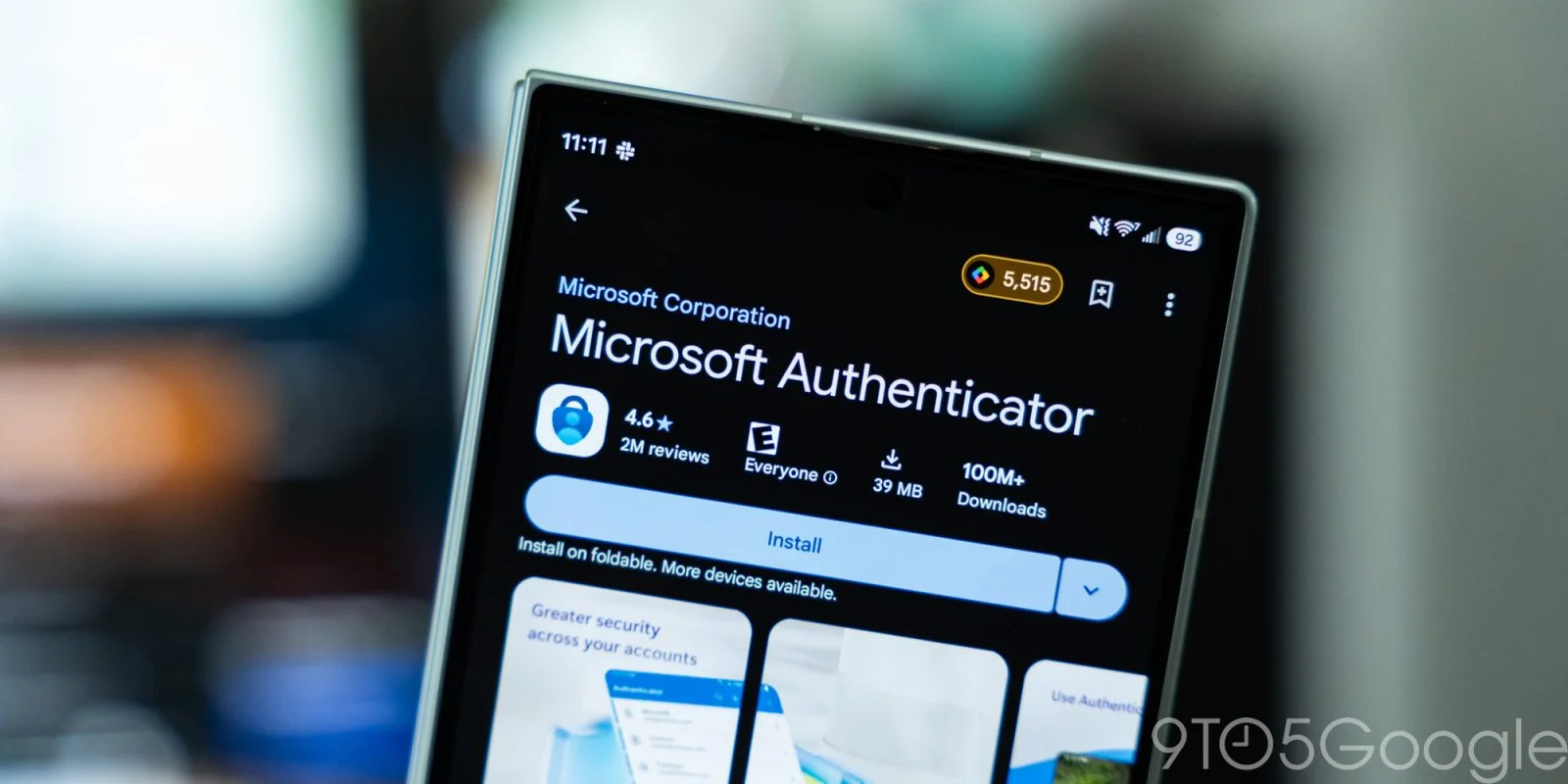
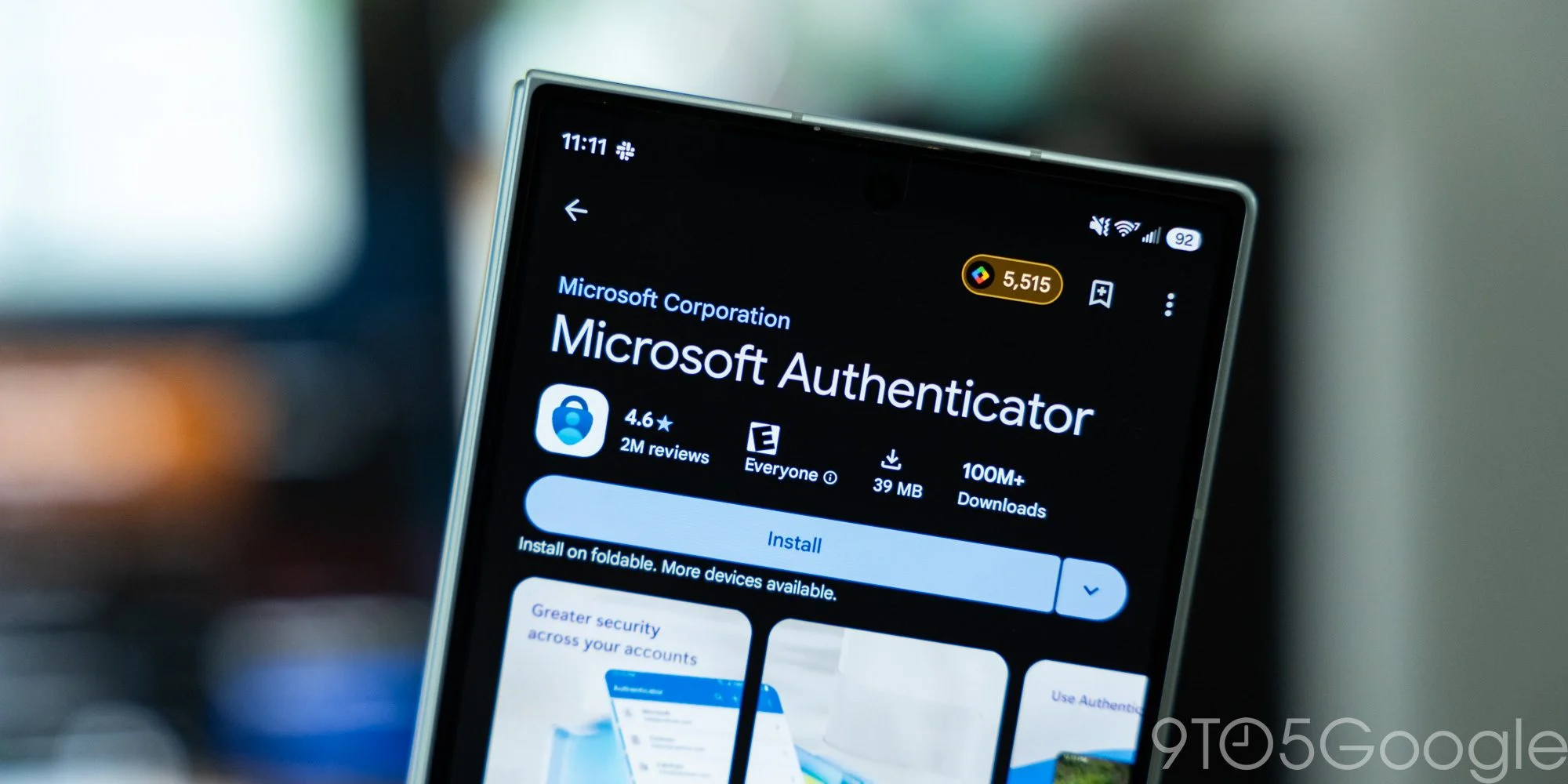
Microsoft is moving backups for one-time-password accounts in its Android Authenticator app into Google One, ending the option to enable those backups through a personal Microsoft account. The change takes effect in January 2027, giving users time to check how their account data is currently backed up and adjust their settings. It’s a change in who provides the backup service, but it also adds a practical dependency: Android users will need Google One’s device backup settings enabled for Authenticator.
Authenticator generates temporary codes used as a second step when signing in to online accounts. These codes are commonly used alongside a password: someone signing in must provide both the password and a current code from the authenticator app. The codes change over time, so a saved copy of the account setup can matter when someone replaces or resets a phone. Without a backup, moving to a new device may require setting up the authenticator accounts again through the services they protect.
What users need to check
Users who want their Authenticator accounts backed up on Android will need to switch on Microsoft Authenticator in Google One’s device backup settings. That setting is the key step in the new arrangement. Installing Authenticator on a phone, or using it to generate codes, doesn’t by itself mean the account data is covered by Google One’s backup. If you’re relying on a backup to recover your sign-in setup after changing phones, check that the relevant option is enabled before you need it.
Microsoft describes the change on its support page, which says personal Microsoft accounts will no longer enable backup starting in January 2027. The notice identifies the service and the timing, while directing Android users to Google One for the new backup path. That gives users a clear action to take, though anyone managing devices for family members or a small team may need to check each phone separately rather than assume the setting is shared across devices.
Starting January 2027, you will no longer use your Microsoft personal account to enable backup. You will need to enable “Microsoft Authenticator” from Google One backup.
The timing leaves a gap between the announcement and the change taking effect. That should make it easier to prepare, but a future deadline can also be easy to forget, especially when an app keeps working normally in the meantime. The setting matters most when a phone is lost, replaced, or reset; by then, discovering that the backup wasn’t enabled is a poor surprise. The quiet setting behind the visible codes.
A closer match with Microsoft’s iOS approach
The move puts Android backups under Google’s device backup service. Microsoft already relies on iCloud Backup to preserve Authenticator accounts and one-time passwords on iOS, so the Android change brings its backup approach closer to the one it uses on Apple devices. In both cases, the phone platform’s backup service plays a role in preserving Authenticator data. That’s a practical division of responsibility: Microsoft supplies the authenticator app, while the platform provider handles the device backup route.
That arrangement also means the steps can differ by operating system. People who use both Android and iOS shouldn’t assume the same account setting controls backups on both phones; the relevant options sit within each platform’s backup system. The broader pattern is familiar in mobile software: app data may depend on operating-system services for restoration, even when the app itself comes from a different company. (And this is the part most people overlook.) A backup feature is only useful if users know where it lives and have actually turned it on.
Why the change matters
This is more significant than it looks for users who treat authenticator codes as a small utility rather than part of their account recovery plan. A phone change can involve more than copying photos and reinstalling apps; sign-in tools may need their own transfer or restore process. Backing up the Authenticator account data can make that transition easier, but users still need to understand which service is responsible for the backup and whether it’s active. Microsoft’s announcement makes that responsibility explicit for Android.
The change also illustrates a tradeoff in relying on platform backup services. Those services can make restoring a phone’s data part of a familiar device setup process, but their settings become another place users must check. If you’re working in this space, the useful question isn’t just whether an app offers backup; it’s whether people can tell which account or device service is storing the copy and how to confirm it’s enabled. Here’s the thing: an option that’s available but off won’t protect a user’s setup.
For Android users, the immediate step is straightforward: check Google One’s backup settings and confirm that Microsoft Authenticator is included. Without enabling Authenticator there, its account data won’t be covered by the new backup path. Users should also keep in mind that the change is scheduled for January 2027, so the announcement is a prompt to review settings ahead of time, not evidence that their current backup has already stopped working. And yet, waiting until a phone needs restoring is the worst moment to find out what was never backed up.
What to watch before the deadline
Microsoft’s support page is the source for the change and its stated date. As that date approaches, users can look there for any updated instructions, then check the relevant Google One setting on their own Android device. The essential point is simple: Authenticator codes support access to other accounts, and preserving the app’s account data depends on completing the backup setup. That small check could save a more involved account-by-account recovery later.
Discussion
Sign in to join the discussion.