Nothing OS 5.0 is rolling out globally to four Phone 3a and 4a models, adding Android 17 features, camera updates and new home screen controls.
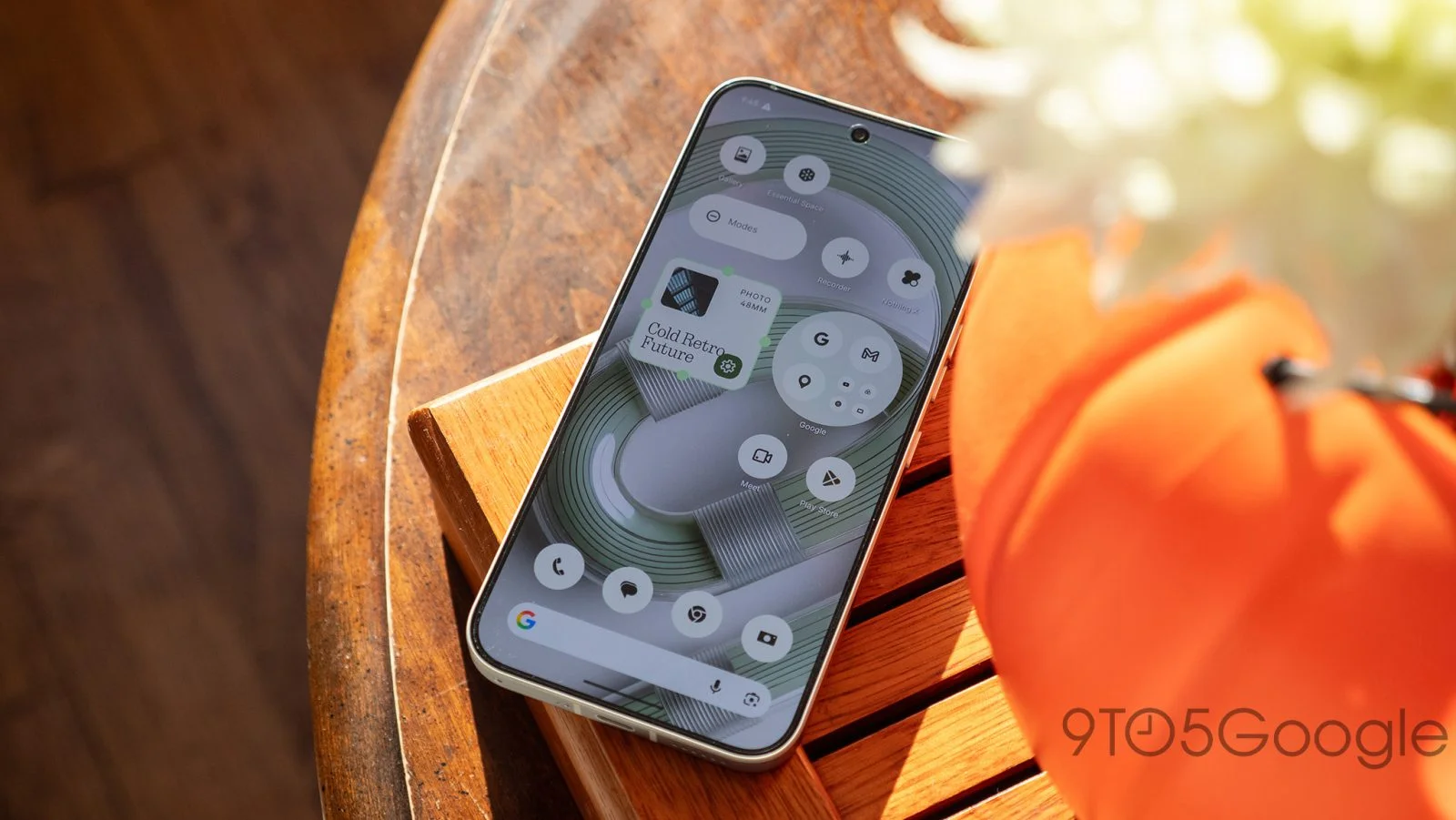
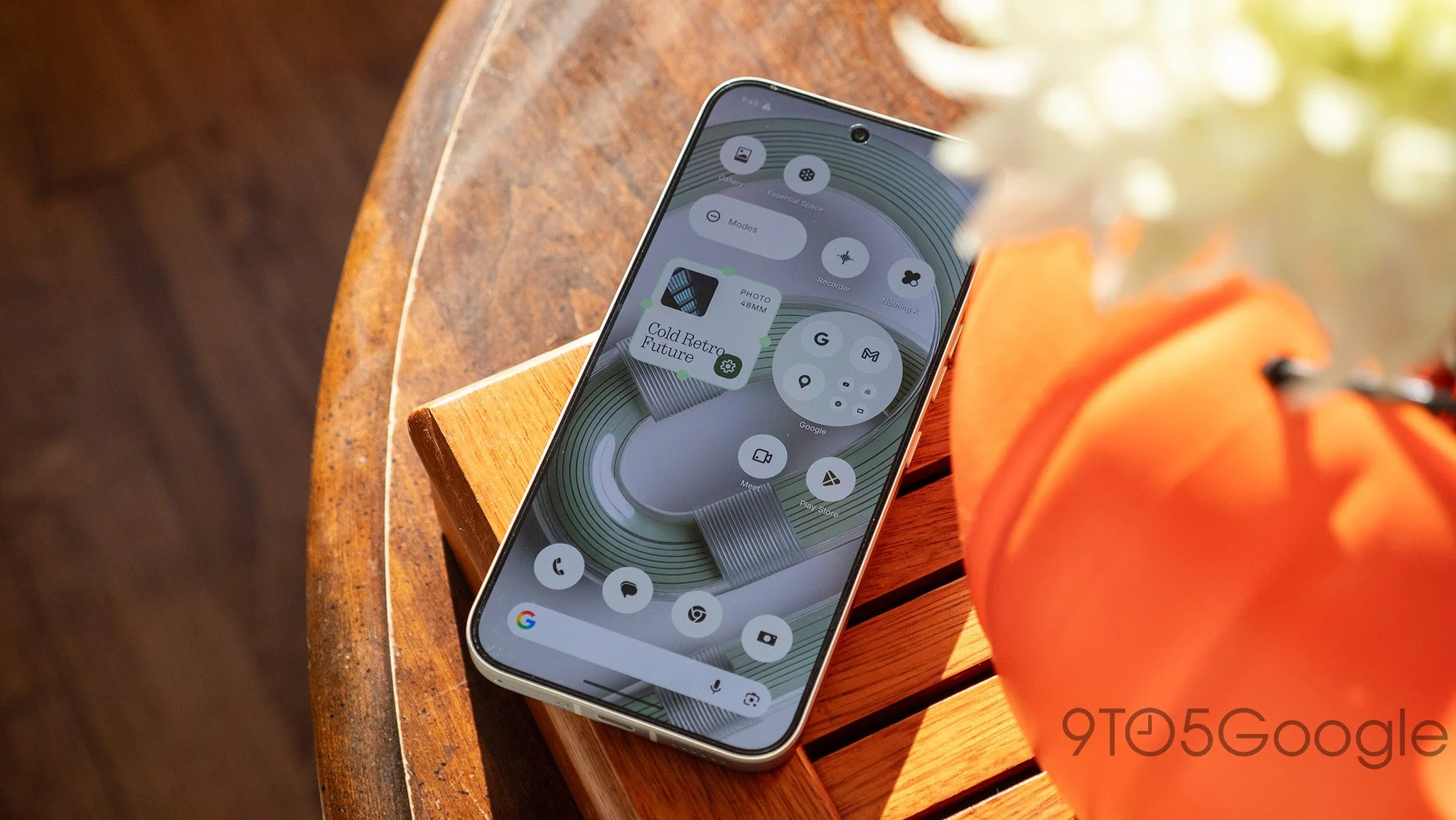
Nothing OS 5.0 is now rolling out globally to the Phone (3a), (3a) Pro, (4a) and (4a) Pro. The update combines Android 17 with changes to the interface, camera and controls for Nothing’s Glyph features. It follows the release on the Nothing Phone (3), extending the same software update to four more models.
That combination makes this a broader update than a routine Android version bump. For owners, the visible changes will be in familiar parts of the phone: the home screen, Quick Settings, lock screen and camera app. The Android 17 base matters too, though the information available here focuses on Nothing’s additions rather than detailing changes to Android itself. The package is therefore best understood as a mix of platform and manufacturer updates, with the day-to-day effect depending on which features a person actually uses.
Nothing is distributing the update in batches, so availability may vary by device over the next few days. Owners can check manually under Settings, then System and System updates, but an empty update screen doesn’t mean the phone has been missed. The Phone (4a) Pro used by the source of this report hadn’t received the update at the time of writing, a useful reminder that a global rollout doesn’t mean every device gets it at once.
👉Nothing Phone (4a) Pro at Amazon
A more configurable interface
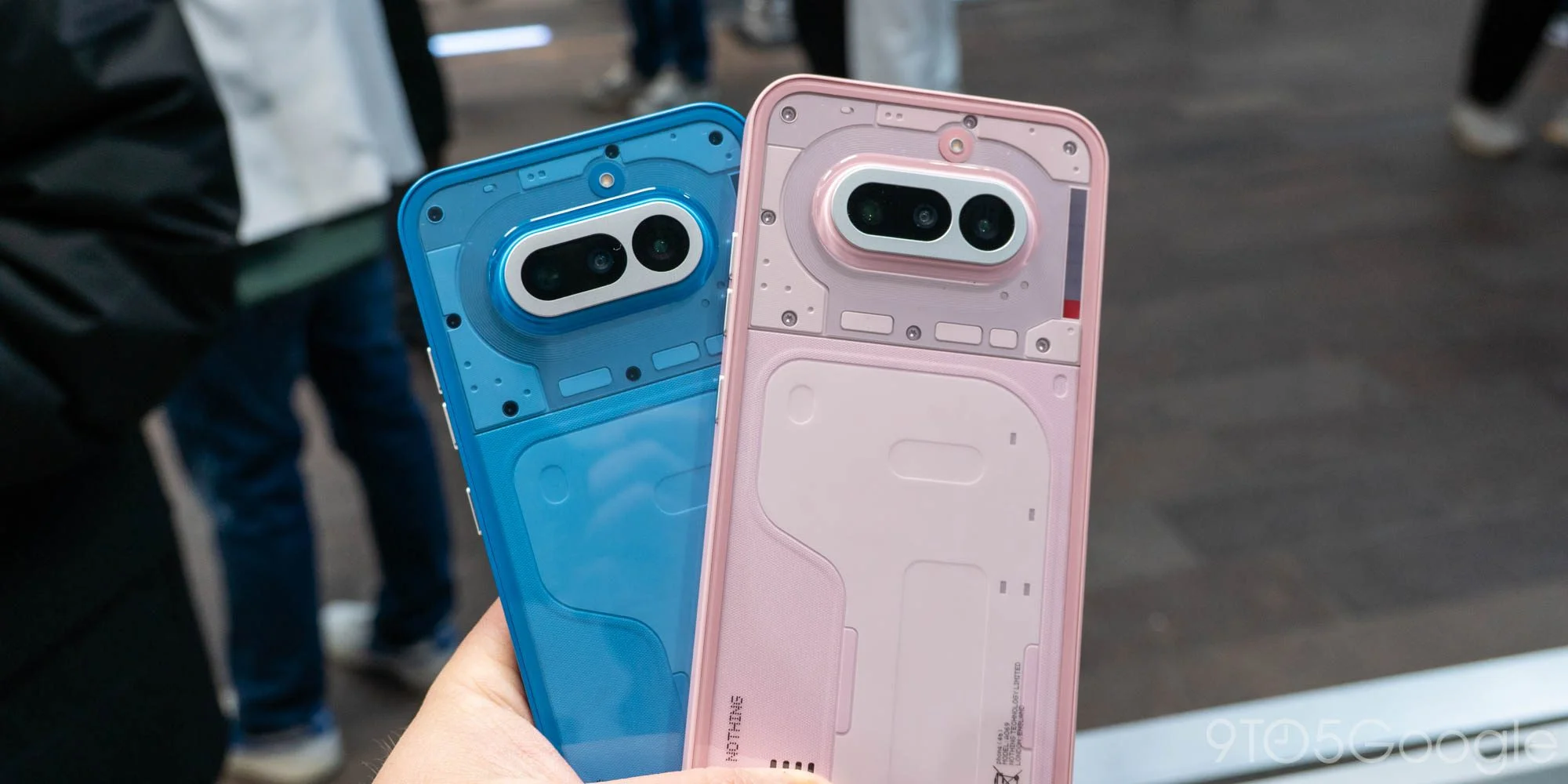
Nothing has moved Glyph Interface controls into a dedicated Glyph app, giving them a separate place in the software. The change suggests the company wants these features to be easier to find and manage as a group. That’s a sensible organizational step: controls tied to lights and other phone behaviors can become harder to navigate when they’re scattered through general system settings. Whether this feels like a major improvement will depend on how often you adjust those controls.
Quick Settings gains a split mode that separates it from notifications. That gives users another way to arrange a part of the interface they open repeatedly, though the value is largely a matter of preference. Some people will want notifications and system toggles close together; others may prefer to keep those tasks apart. The update offers that choice without requiring a change in how everyone uses the panel.
Home screen organization gets bulk icon management, which should make rearranging several apps less tedious than moving them one by one. Three new widgets—Collector, Away Time and Glyph Timer—add further options. Their names indicate different ways to use the home screen, but the available release details don’t spell out every feature or setting. The broader point is that Nothing’s update puts more emphasis on tailoring the phone’s everyday surfaces.
A system-wide Translucent theme and additional lock screen customization options extend that emphasis to the phone’s appearance. A theme that reaches across the system can make the interface feel more consistent, while lock screen controls let users decide what they see before unlocking. These are personal touches, not a reason by themselves to expect a different phone. Still, interface changes can shape a user’s daily impression more than a long list of less visible software adjustments.
Here’s the thing: customization only helps when the controls remain understandable. A dedicated app and more options may make Glyph features easier to manage, but they also give users more settings to learn. Nothing’s choice to group the controls is a practical response to that tension (and this is the part most people overlook). More choices are useful when they’re easy to find.
Camera changes and simultaneous video
The camera interface has also been refreshed, and Dual-view Video can record from the front and rear cameras at the same time. That feature gives users a way to capture both what they’re filming and their own reaction in one recording. It may suit demonstrations, commentary or casual clips where the person behind the phone is part of the scene, though the release details don’t describe limits on recording or how the feature handles different situations.
For anyone who rarely records video, the camera update may be less noticeable than the changes to Quick Settings or the home screen. For people who do use the camera regularly, putting front and rear footage together can change what a single recording communicates. It’s a specific addition rather than a wholesale account of improved camera quality; the information provided describes a refreshed interface and a new recording mode, not broader claims about image performance.
An indicator for sensitive AI processing
Nothing OS 5.0 adds a yellow indicator when the phone is processing potentially sensitive AI data. The signal gives users a visible cue that this kind of processing is taking place, making an otherwise less apparent system activity easier to notice. It’s a modest interface element with a practical purpose: show the user when a sensitive process is active.
That visibility can help people understand when AI processing is happening, but the indicator alone doesn’t explain what data is involved or what happens to it. The release information doesn’t provide those details, so users looking for a fuller account will need to consult Nothing’s documentation and the relevant settings. The indicator’s value is in making activity visible at the moment it occurs. A cue is useful; it’s also only one part of understanding a feature.
What the staged rollout means for owners
Nothing has published separate changelogs for the Phone (3a) series, Phone (4a) and Phone (4a) Pro:
Separate lists are useful because one headline rollout can cover several models without guaranteeing that every detail is identical across them. If you’re working out what will change on your own phone, the changelog for that specific model is the clearest place to check. The published information also gives owners a way to distinguish confirmed features from assumptions based on another device’s update.
The staged release means patience is part of the process. Checking Settings is straightforward, but repeated checks may not make an update arrive sooner; availability can simply differ between devices while distribution proceeds. That said, the update is described as rolling out globally, and owners who don’t see it immediately can check again over the coming days.
Why this update matters
For the four phones, Nothing OS 5.0 brings together a new Android version and changes in areas users interact with directly. The Glyph app, additional home screen options and split Quick Settings point to a continuing focus on how the software feels and can be arranged. Dual-view Video adds a distinct camera use, while the yellow AI indicator makes one type of processing more apparent.
This is more significant than it looks for owners who use these features every day, though the update’s appeal will vary. Someone who values customization may notice the interface changes first; someone who records video may care more about Dual-view Video. The AI indicator addresses a different concern altogether. And yet, the available details don’t support treating every addition as equally substantial, or assuming that all four models will offer precisely the same experience.
What this means for you is fairly concrete: check the changelog for your model, look for the update through System settings, and give the staged rollout time to reach your device. Nothing OS 5.0 brings Android 17 alongside changes to Glyph controls, home screen setup and camera use. A gradual arrival. For the Phone (3a), (3a) Pro, (4a) and (4a) Pro, that’s the update to watch over the coming days.
Discussion
Sign in to join the discussion.