The redesigned Desktop Camera app for Googlebook showcases a user-friendly interface and enhanced features, just in time for its fall debut.

A Bold New Look for the Desktop Camera App
The ongoing evolution of digital applications continues to hinge on user experience and interface design. With the highly anticipated launch of Googlebook approaching, the Desktop Camera application is embracing a modern overhaul that’s capturing attention for its aesthetic and functional improvements. The redesign sets it apart from its predecessors and aligns with Google's broader push towards streamlined, user-friendly interfaces.
The app's Google Play listing surfaced back in February, but the recent updates have highlighted a fresh, sleek interface that reflects Google's style guidelines and branding. The new app icon, adorned with a lively blue gradient, is an intentional nod to other applications in the Pixel lineup, signaling a cohesive design strategy across Google's app ecosystem.
“Capture every moment clearly with the official Camera app.”
This marketing tagline plays into the application's primary promise: delivering high-quality imaging experiences to users, regardless of the devices they prefer to work on. This shift prioritizes accessibility and excellence in visual documentation, essential in today’s image-driven digital landscape.
User-Centric Features
Keeping pace with the changing dynamics of device usage, the Desktop Camera app emphasizes user-centric features optimized for larger screens. This approach ensures a fluid and uncomplicated experience across various platforms, including tablets and desktops. There's no denying—it’s a necessary evolution, considering how many users are shifting to versatile devices for work and play.
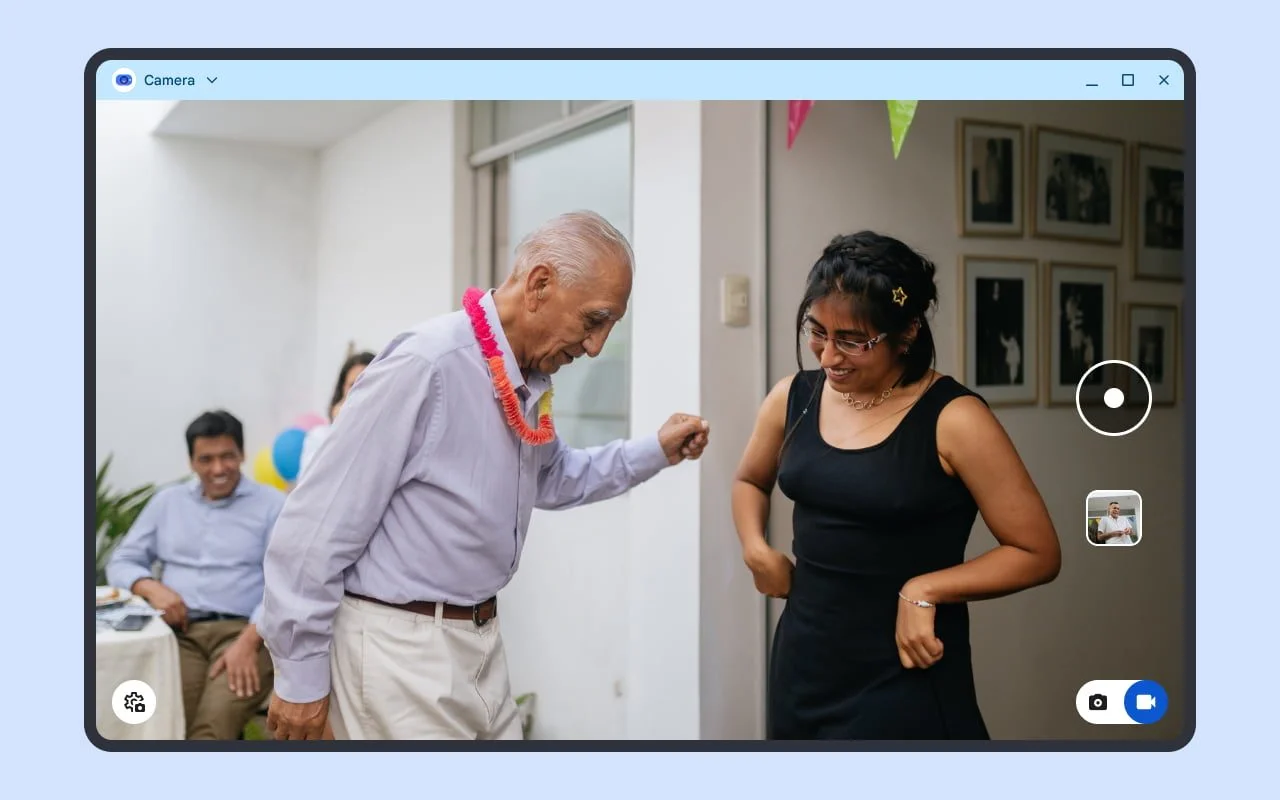
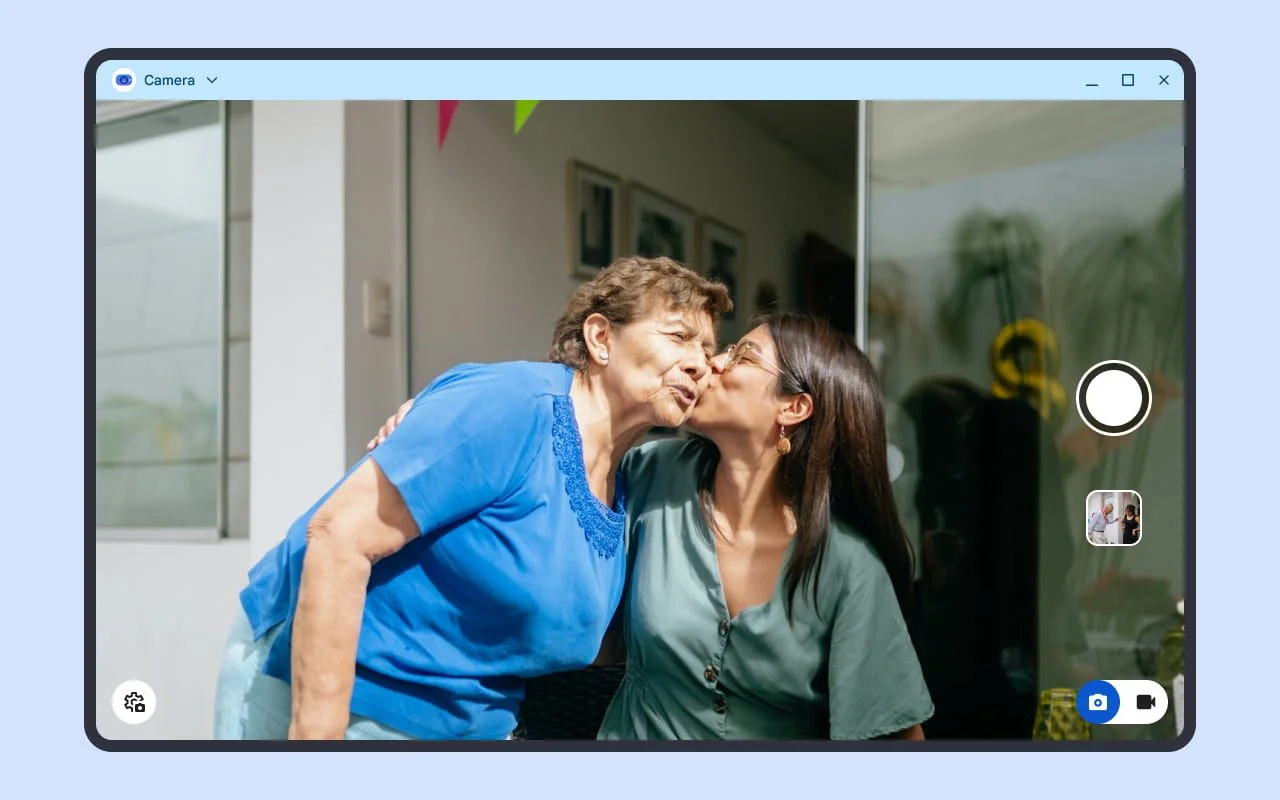
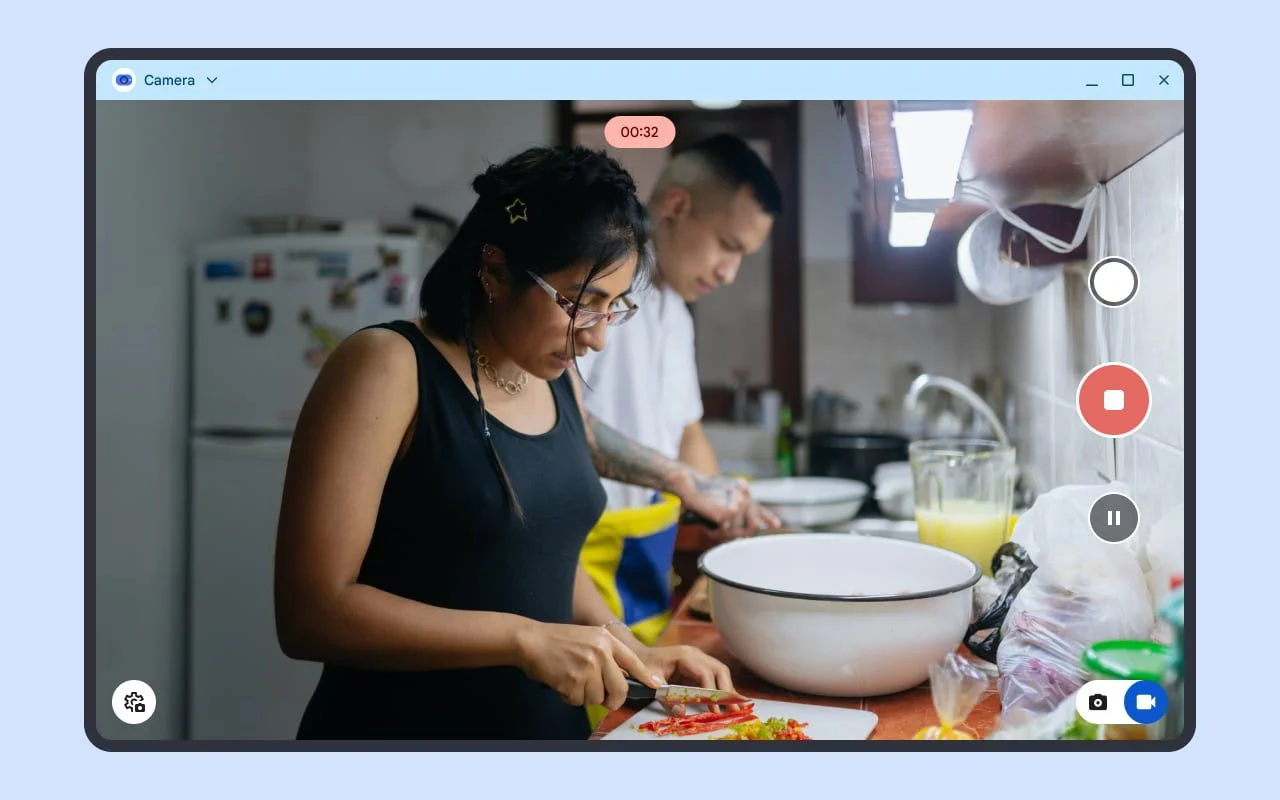
- Responsive Design: The app’s tailored interface optimizes functionality for tablets and laptops while allowing for landscape orientation. This adaptability is not just a nice touch; it's a strategic choice in an era when many productivity tasks are completed across multiple screen sizes.
- Webcam Connectivity: Supporting external USB webcams enhances usability, making it easier for users to adapt the app to their existing setups without additional hassle.
- Smart Document Scanning: Utilizing machine learning for features like auto-cropping is significant. It streamlines physical document scanning, eliminating tedious manual adjustments that deter productivity.
- QR Code Scanning: The ability to quickly capture QR codes for instant access to information integrates a vital capability as QR codes remain prevalent in many contexts, from personal use to business applications.
The interface renovations resemble those found in the Pixel Camera on the Pixel Tablet. This familiarity caters to existing users while lowering the learning curve for newcomers, which is smart. The placement of crucial controls along the right side optimizes user experience, ensuring that options like the photo/video toggle and gallery access are readily available without hindering usability. Controls are not just functional; their arrangement speaks to a comprehensive understanding of user habits.

Implications and Future Outlook
The revamped Desktop Camera app comes at a pivotal time in an industry that increasingly prioritizes multifaceted digital experiences. What this means for you, if you're working in this space, is that there’s an elevation in expectations for camera applications. Users are becoming more discerning, seeking applications that not only offer essential functionalities but do so through optimized user experiences.
While the features presented are compelling, will they resonate with users? Will they move the needle in a market filled with established camera applications? These are the questions Google will need to answer to validate this redesign. As competition tightens, it’s not just about remaining relevant; it’s about setting standards that others will aspire to meet. And yet, while this update shows promise, the true test lies in user adoption and feedback. If this app can seamlessly blend into daily workflows and prove valuable in practical scenarios, its impact could be significant. Conversely, any missteps, particularly in user experience or performance, may tarnish its reputation before it even gains a foothold.
This isn’t just an update, but rather a strategic positioning by Google to attract a broader audience—all who are increasingly demanding excellence from their tech products. It's an exciting time for consumers and tech enthusiasts alike as we await further developments.
Discussion
Sign in to join the discussion.