Fitbit Edge adds on-wrist workout controls and useful fitness views, but slow software, unreliable notifications and no Google Wallet limit its appeal.
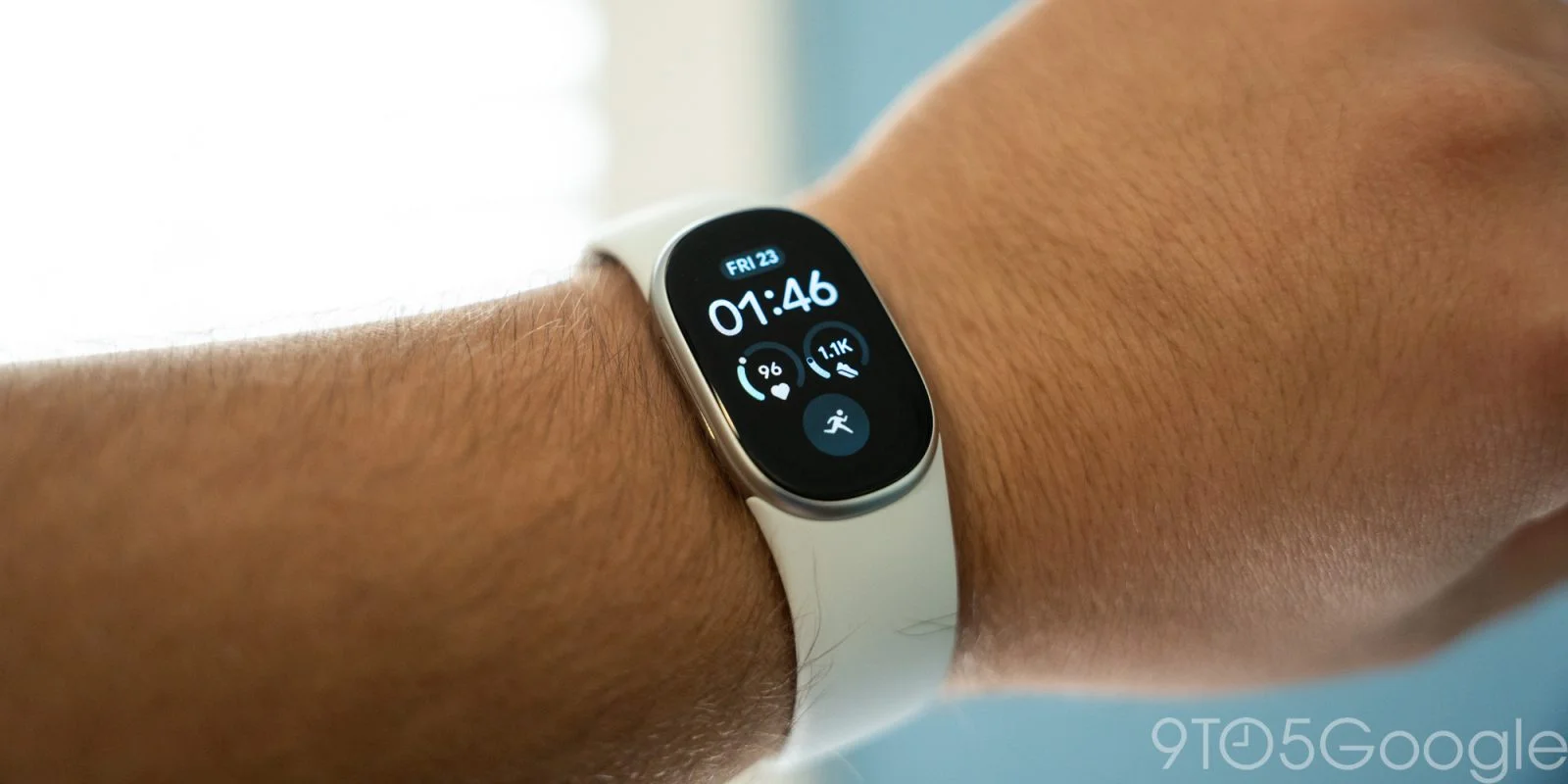
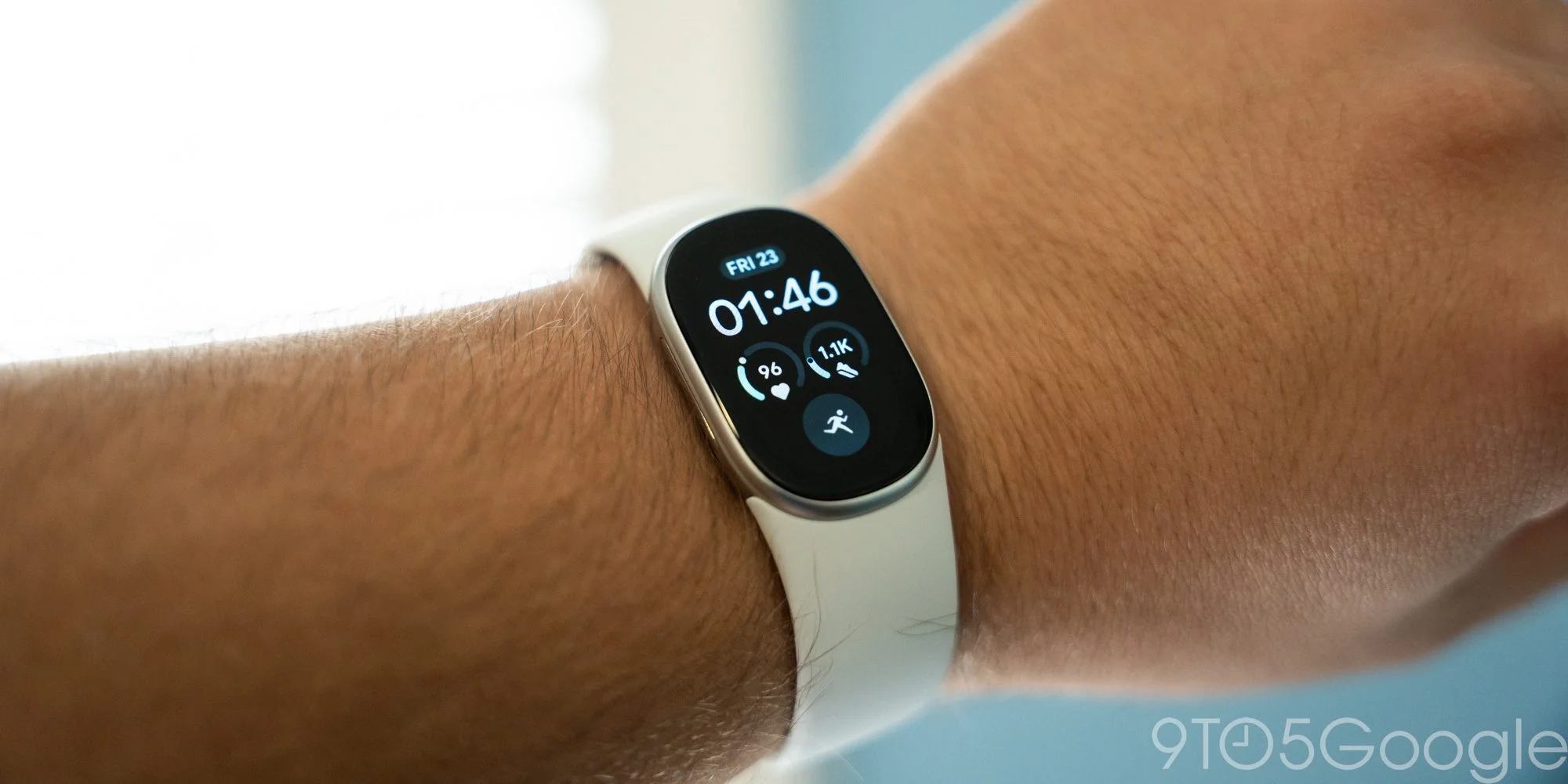
Fitbit Edge’s screen makes it more useful than a basic fitness band, but the compromises keep it well short of a smartwatch. At $180, it sits nearer the budget end of Google’s wearable range than the middle: think Fitbit Air with a display, not a Pixel Watch Lite.
A screen helps, but the software holds it back
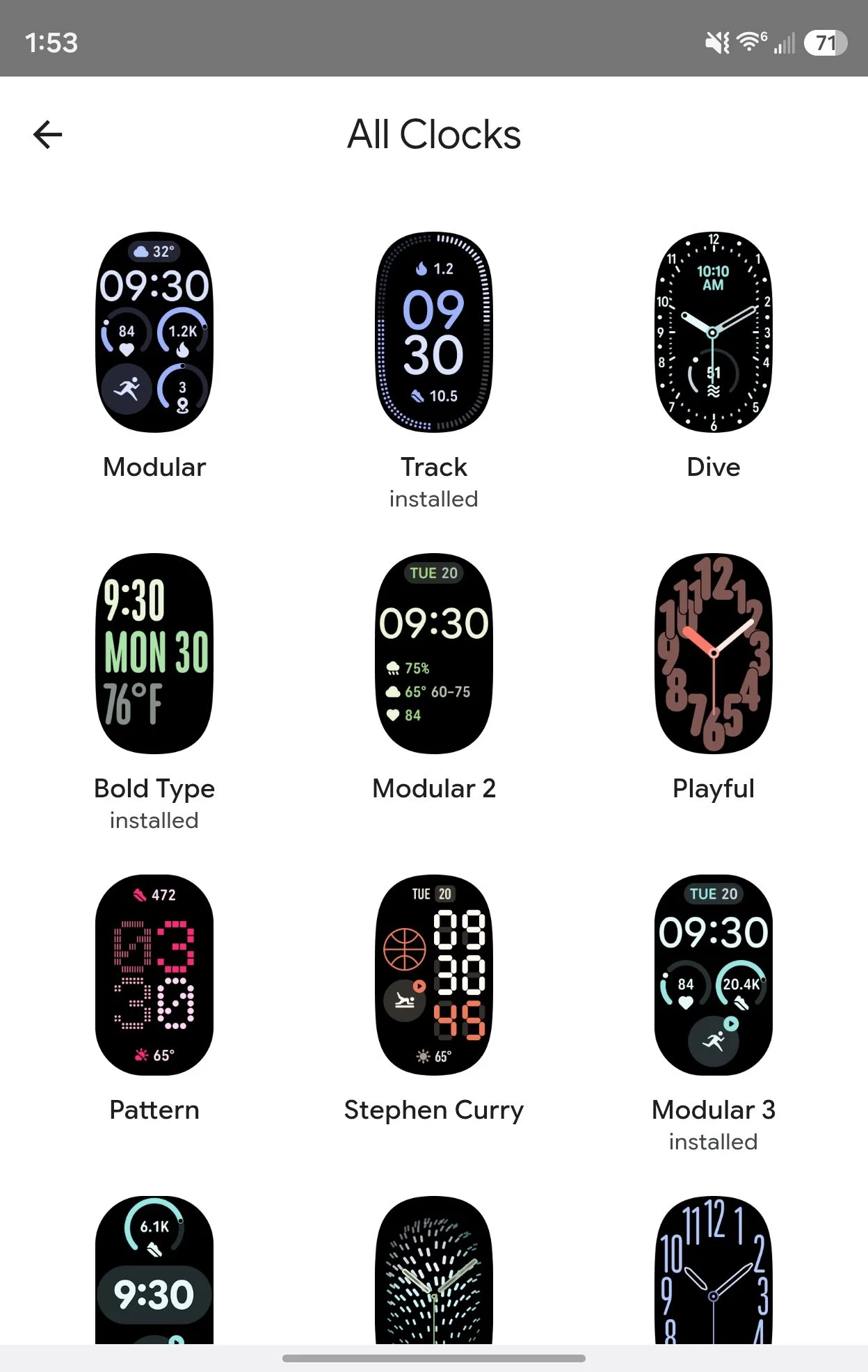
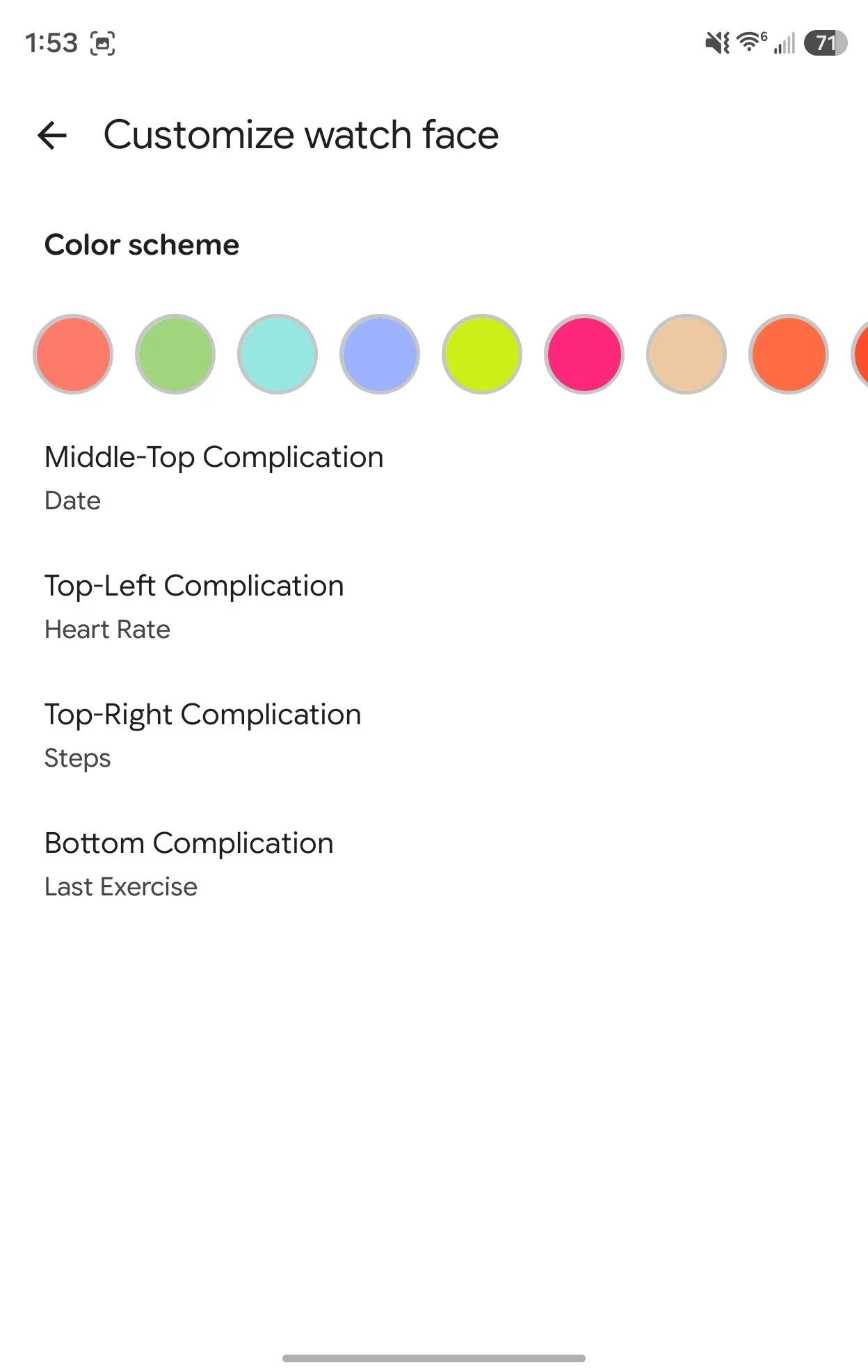
The new interface borrows the look of Google’s current Health design, and the watch faces take cues from Pixel Watch. There are 13 to choose from; Modular is my favorite. Complications add quick views of fitness data and weather, a meaningful advantage over the screenless Air. But the options are limited: Pixel Watch can show details such as UV index and sunset, while Edge can’t.
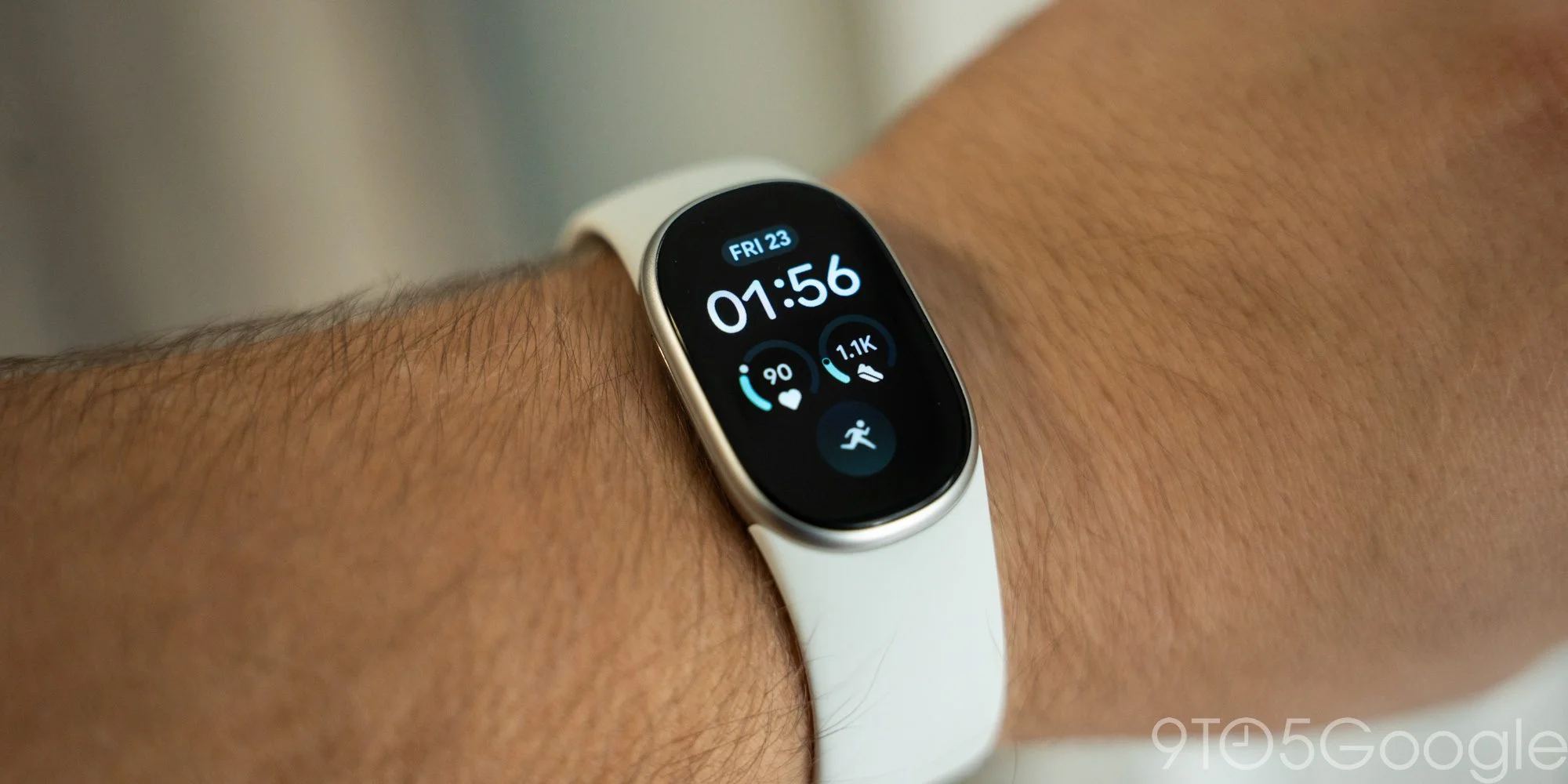
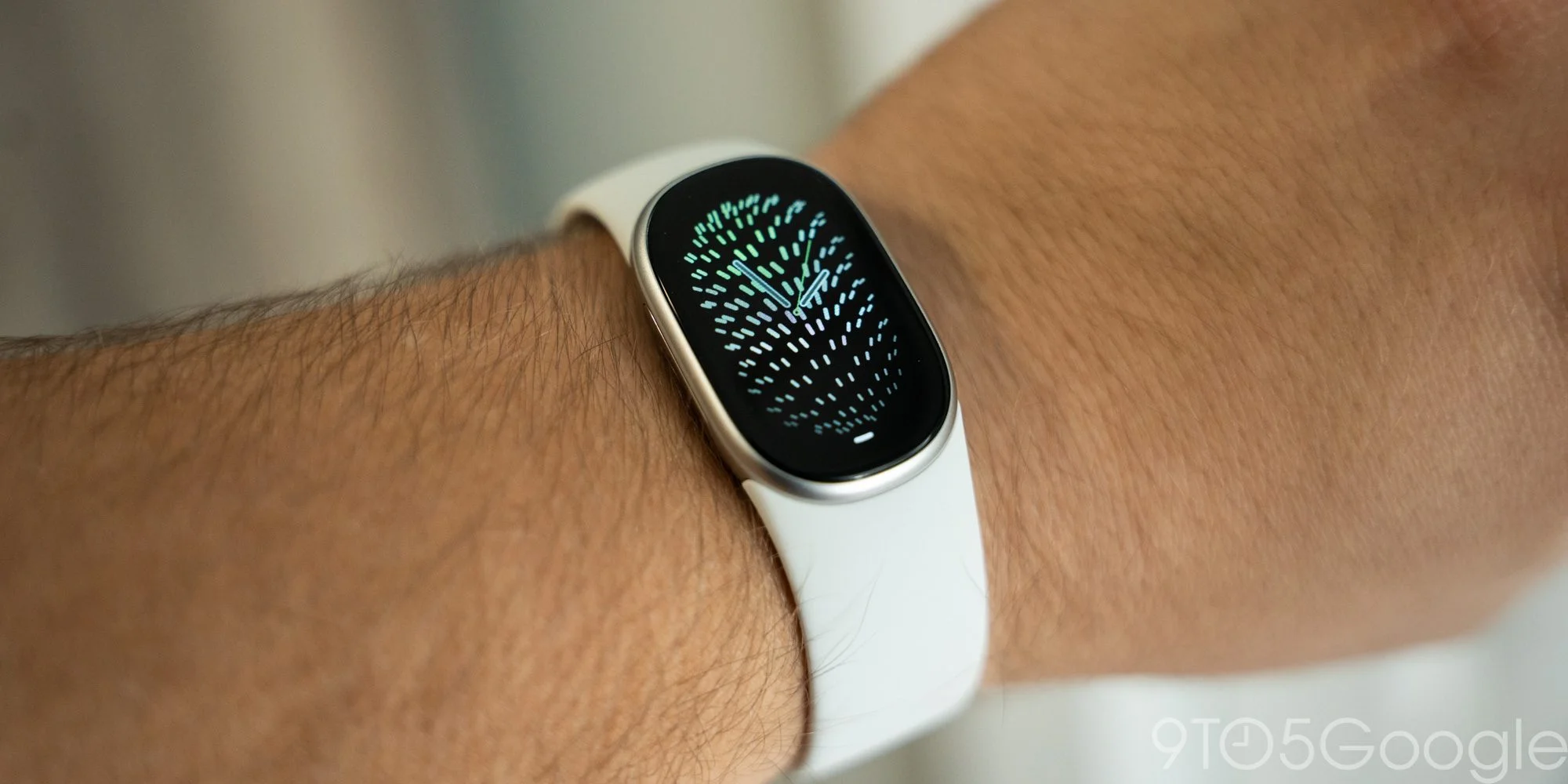
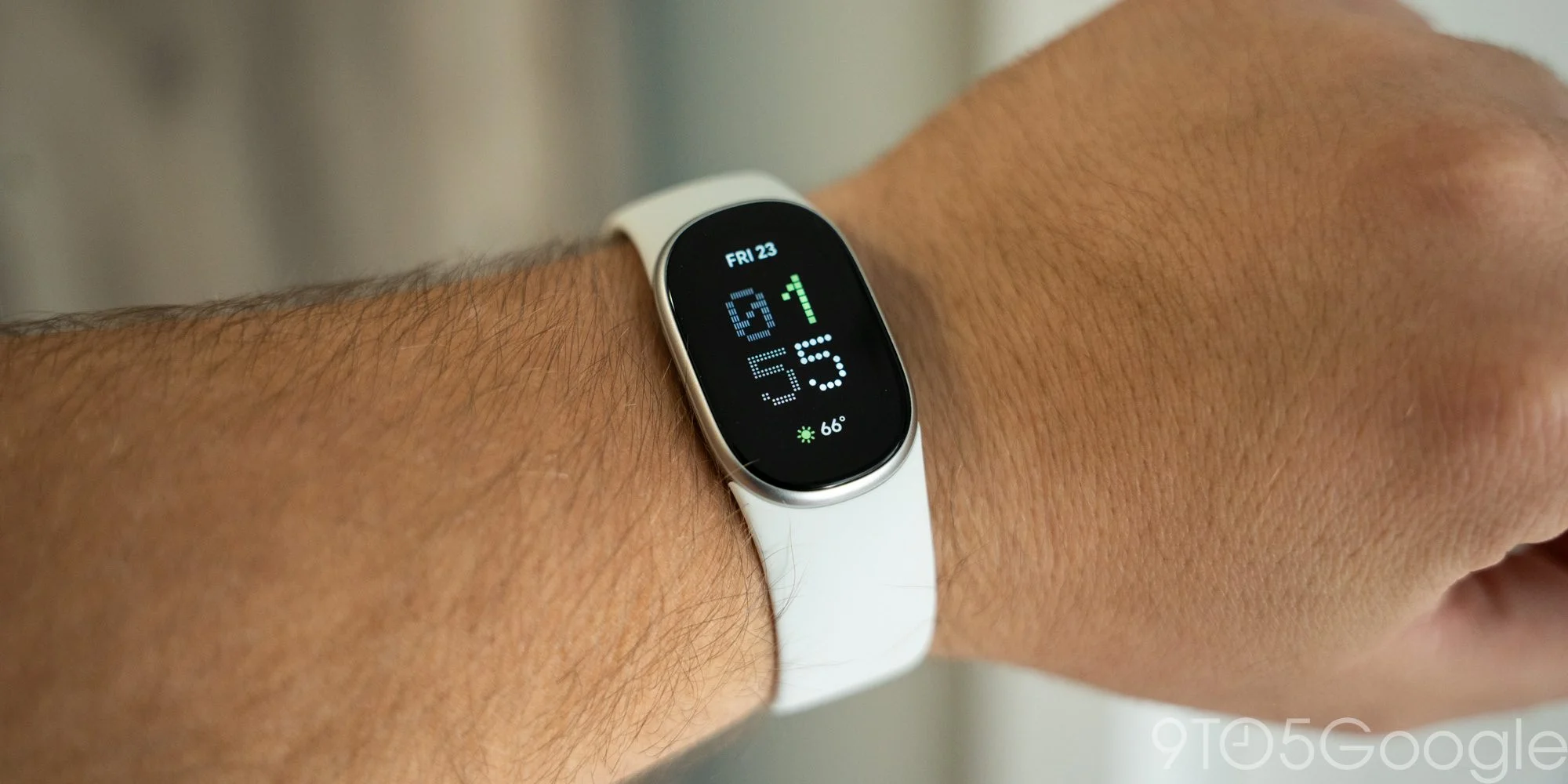
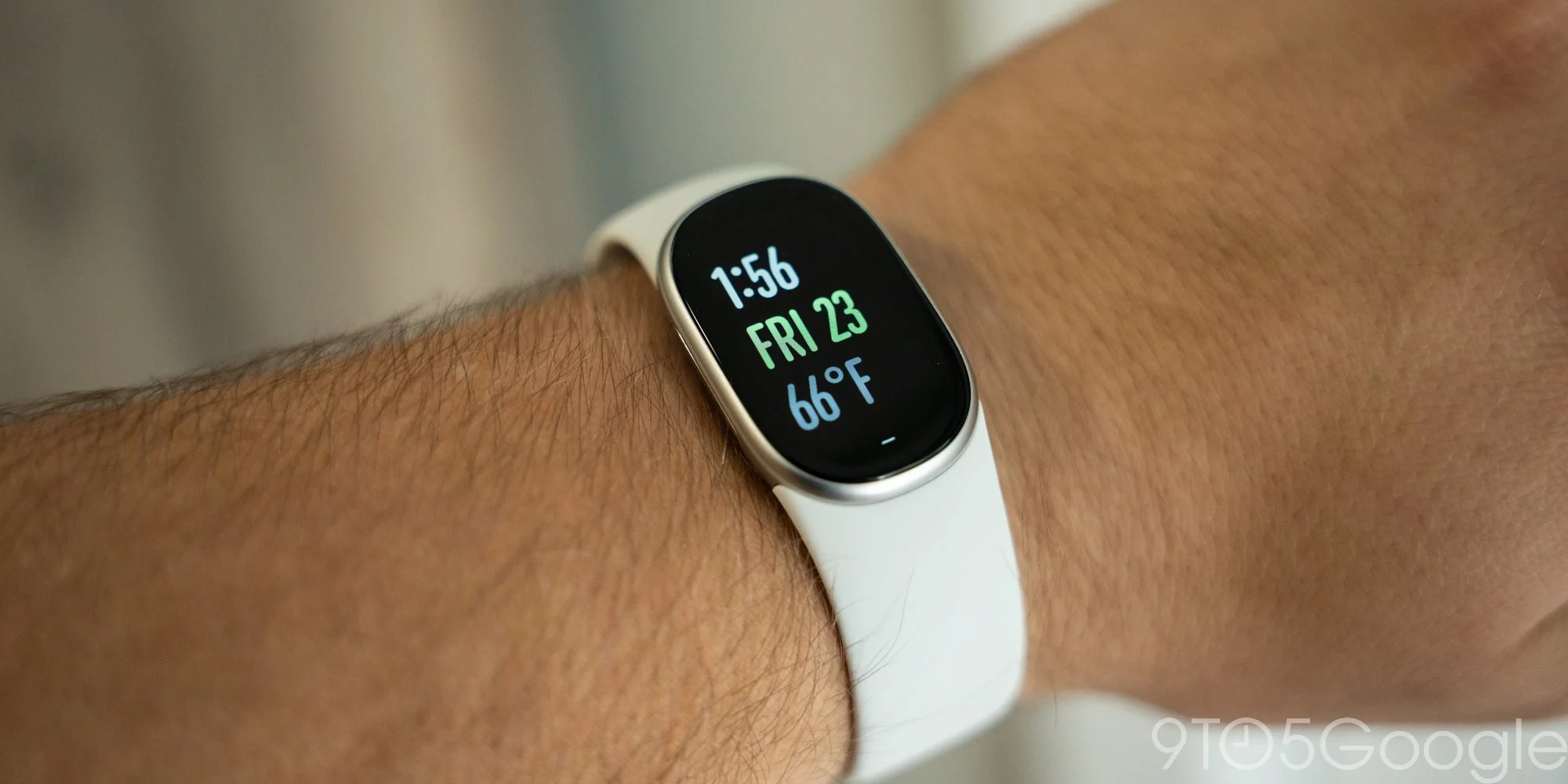
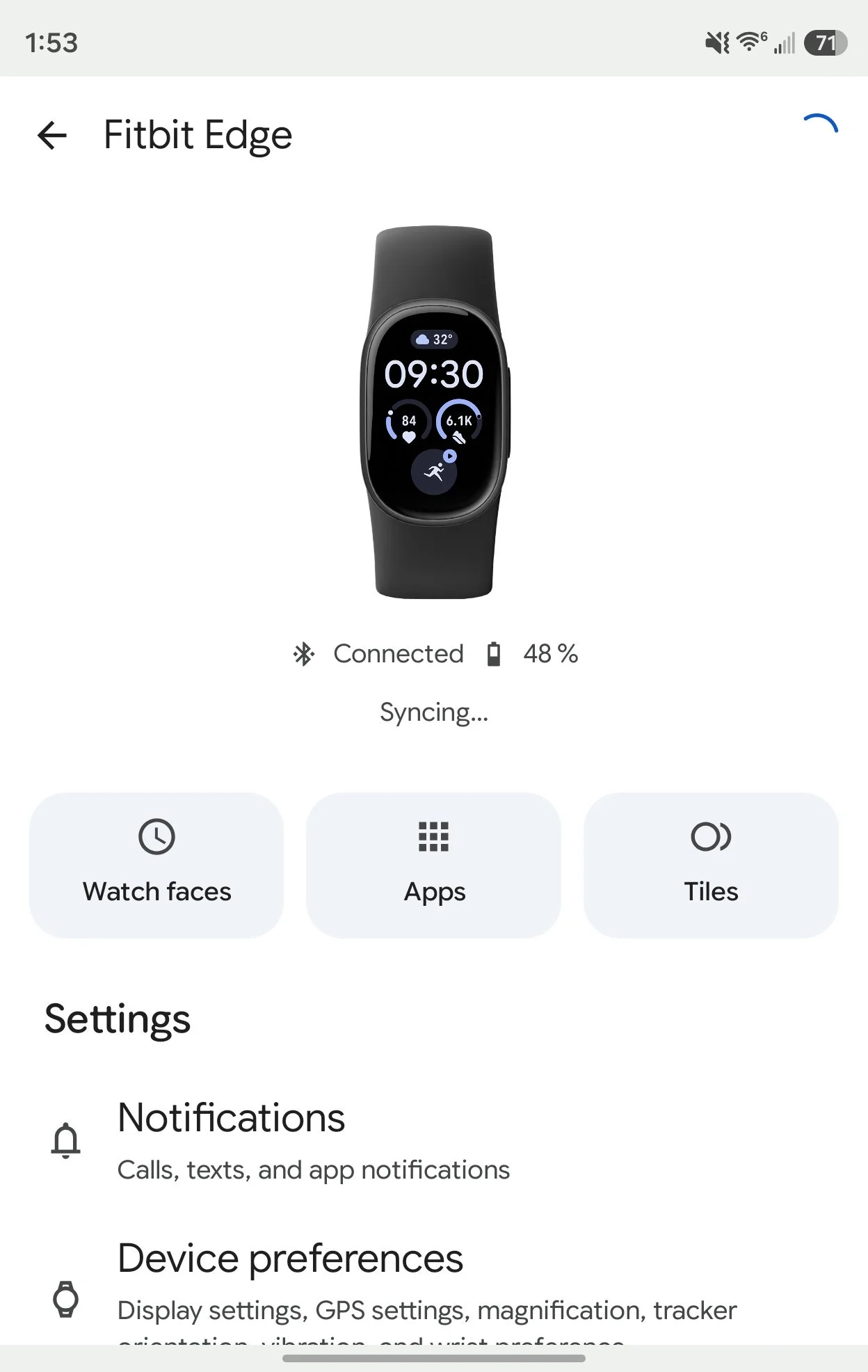
Here's the thing: those polished faces sit on top of an old, sluggish Fitbit interface. It’s improved since I last used a Fitbit tracker, and it works, but it feels detached from the Google Health app and is frustratingly slow. You also have to use that same clunky phone interface to change faces and arrange Tiles.
For Pixel Watch owners, the layout will feel familiar: notifications live below the clock, Quick Settings above it, and Tiles sit on either side. The visual design is clean, with smooth animations and Google’s Material style throughout. Most Tiles cover health and exercise, with weather and media controls among the extras.
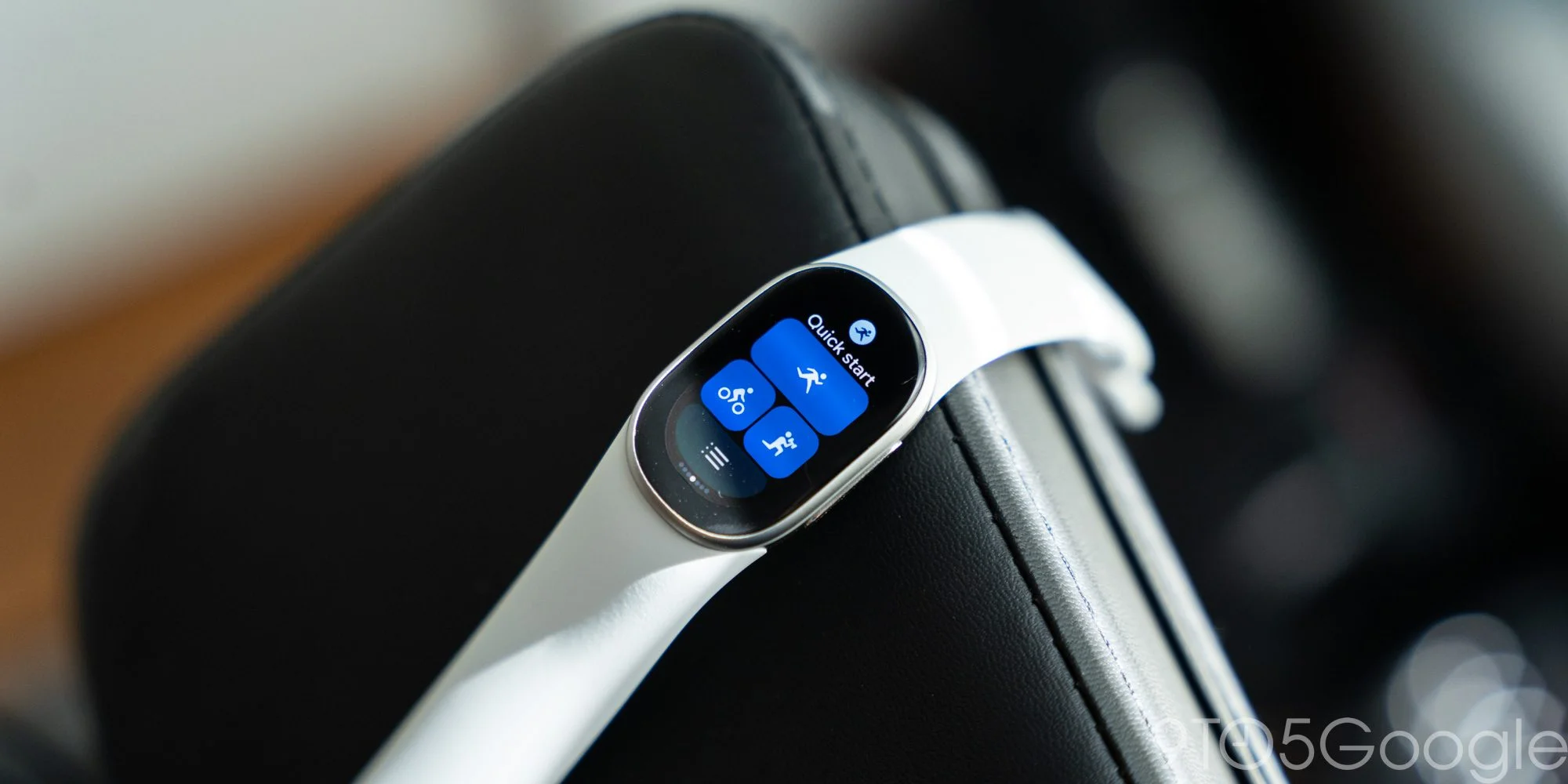
The display also fixes a practical limitation of Fitbit Air. On Edge, you can pick a workout from your wrist instead of relying on automatic detection or reaching for your phone. Quick Start keeps recent workouts handy. That’s the clearest day-to-day upgrade over Air, apart from being able to check the time.
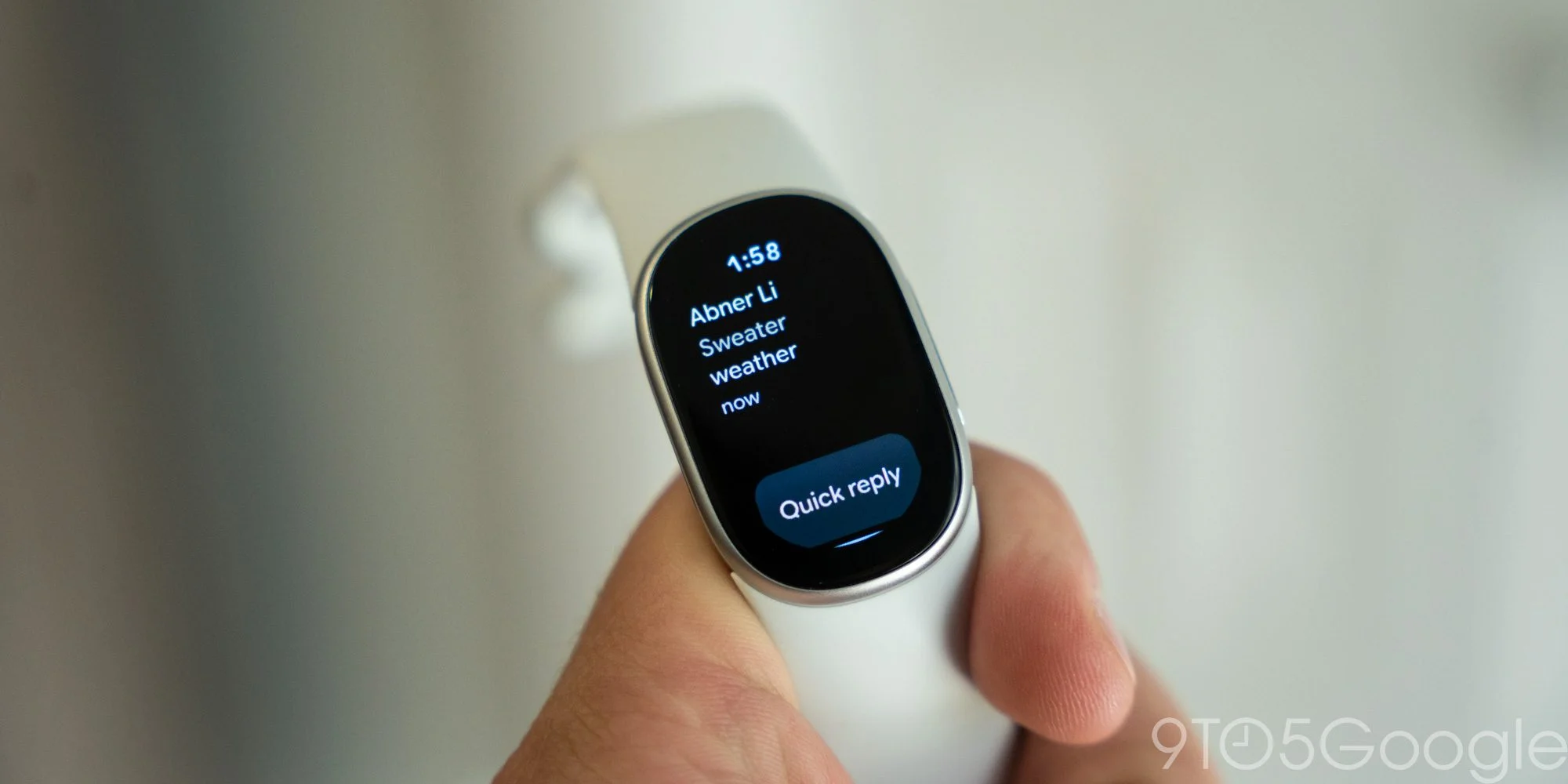
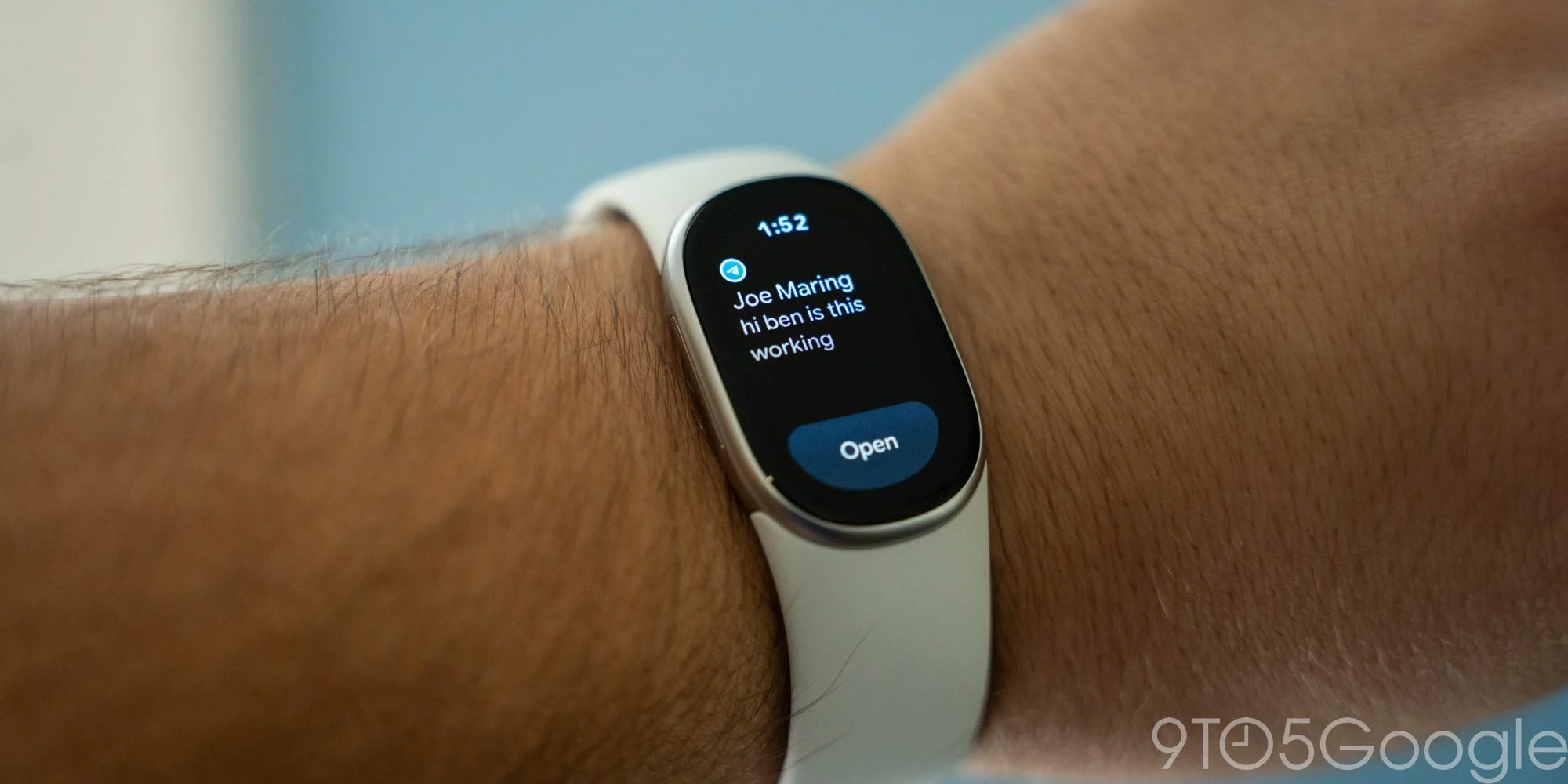
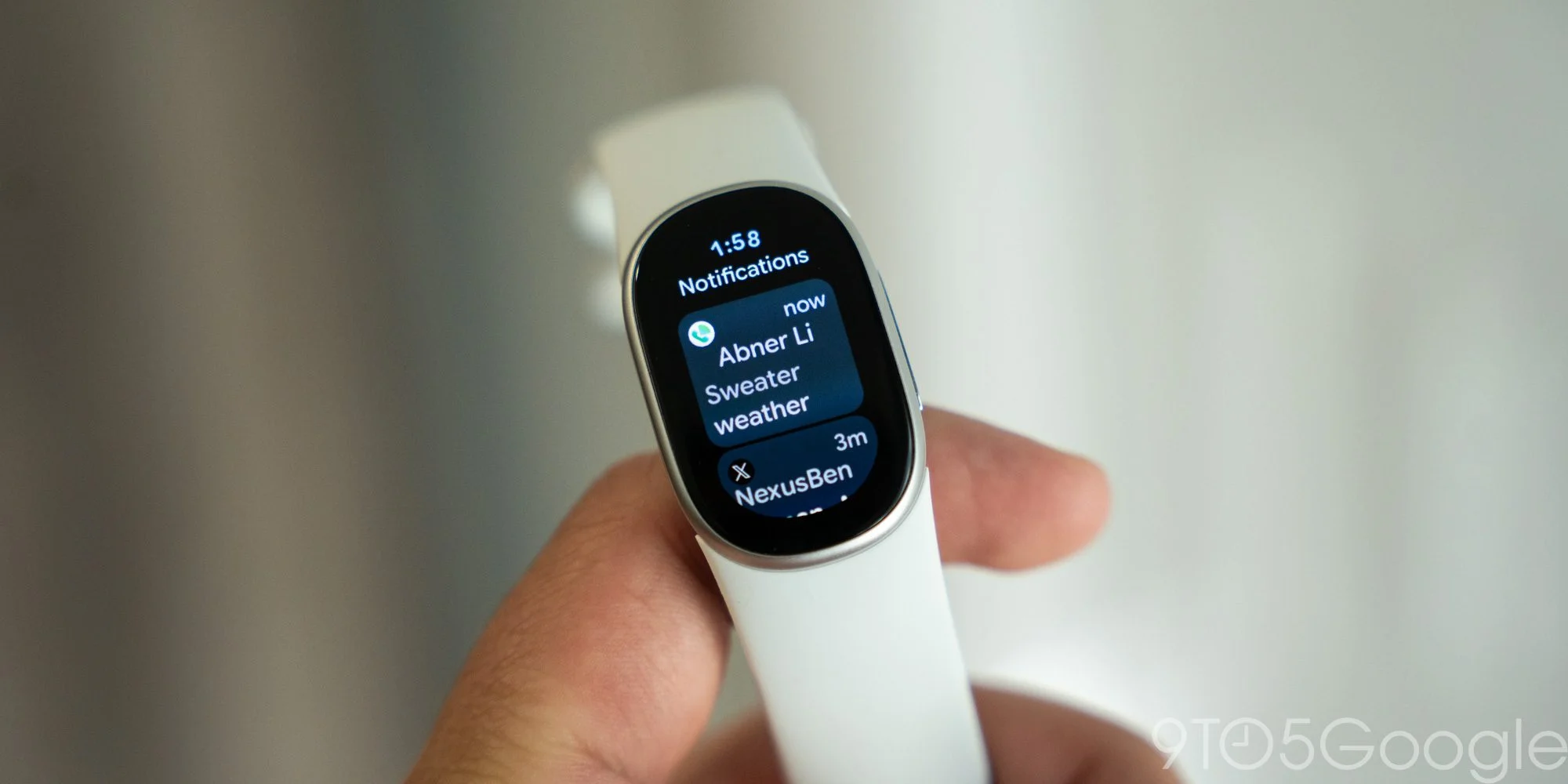
Notifications are the weak spot. The small screen limits what Edge can show, but the software makes the problem worse: previews stop after a few words unless you tap “Open,” and incoming alerts pile up in a confusing stack. The side button backs out one layer at a time, so clearing several alerts can become a chore.
Reliability was worse. Notifications failed for much of my review, then began working without an obvious fix. Jordan Floyd, who works on our video team, still couldn’t get them running. Google says an upcoming Health app update will address the issue. Edge is a big improvement over Charge for notifications, but “better” doesn’t make this a good experience yet.
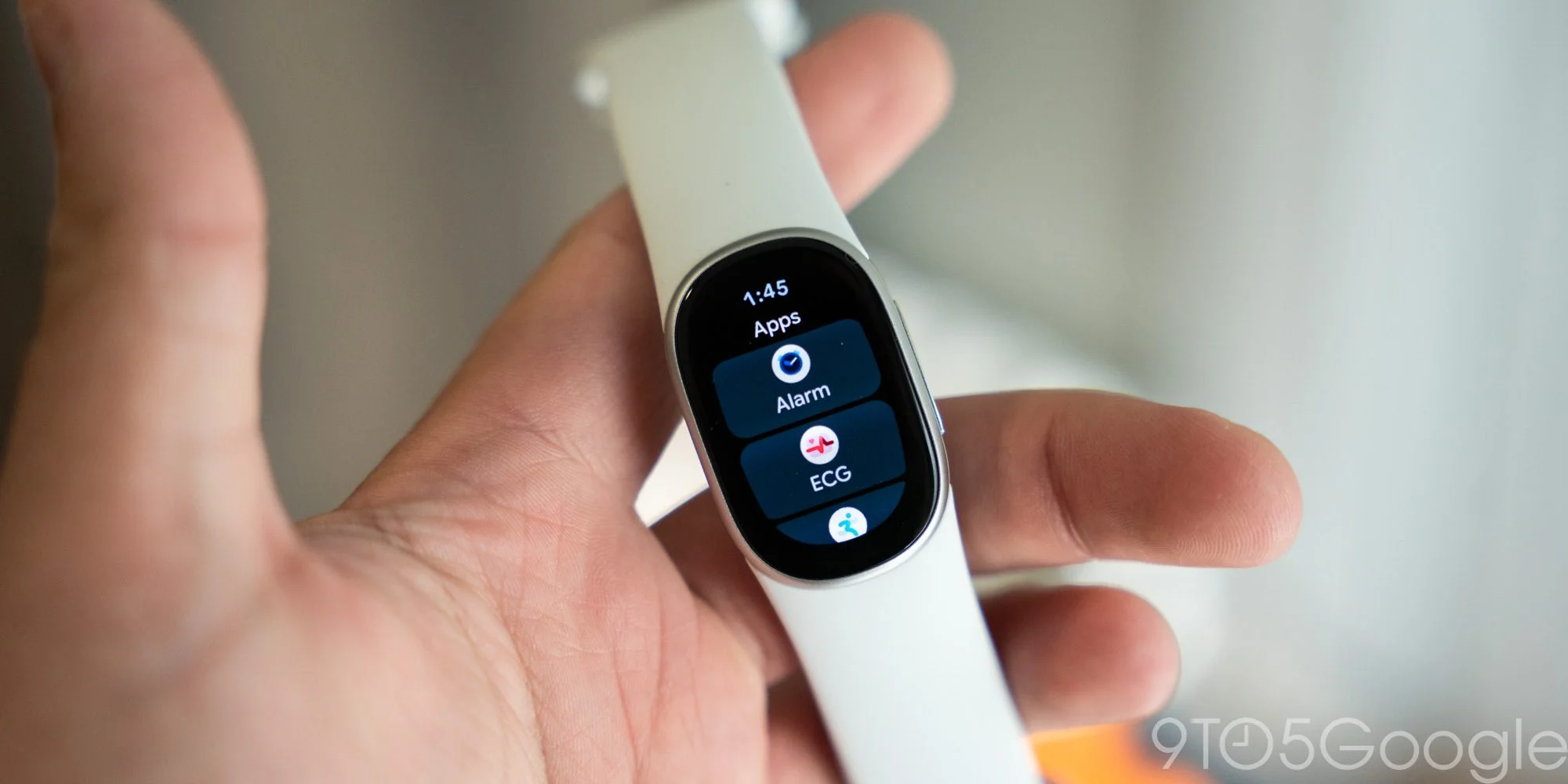
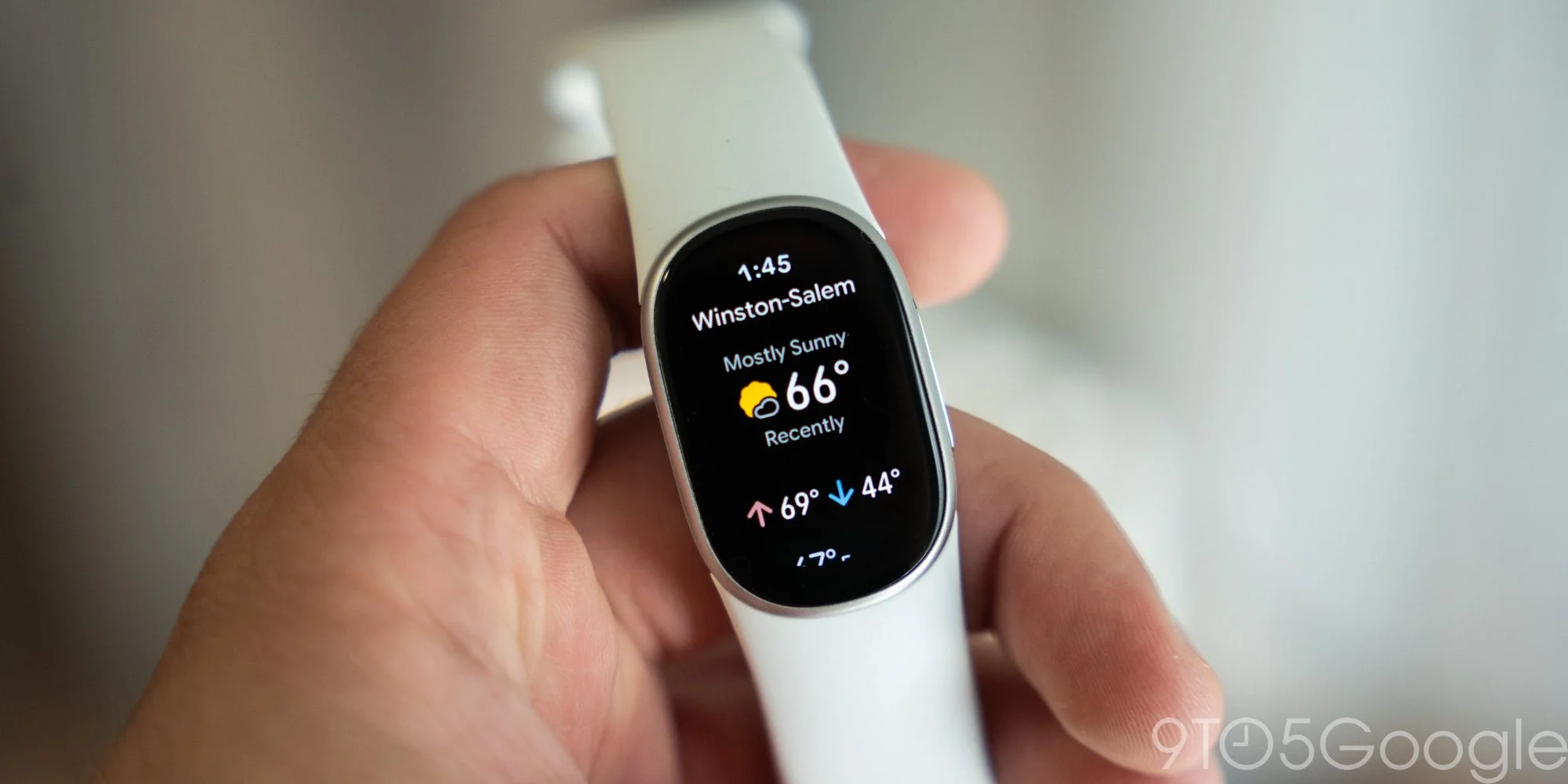
Edge includes Google’s health apps, an alarm, Maps, a stopwatch, a timer and a basic weather app. Maps uses the tracker’s GPS to reflect walking directions started on your phone; you can’t begin navigation from the wrist. Weather is similarly bare-bones, omitting outdoor details like UV exposure.
The bigger omission is Google Wallet. Edge has no NFC, so contactless payments aren’t possible. Google says few people used Wallet on the previous generation, but that reasoning doesn’t persuade me. The Charge had other limitations that may have put off people who wanted payments; Edge gets closer to being a usable smartwatch. For me, no mobile payments is the dealbreaker.
Light on the wrist, with one worrying flaw
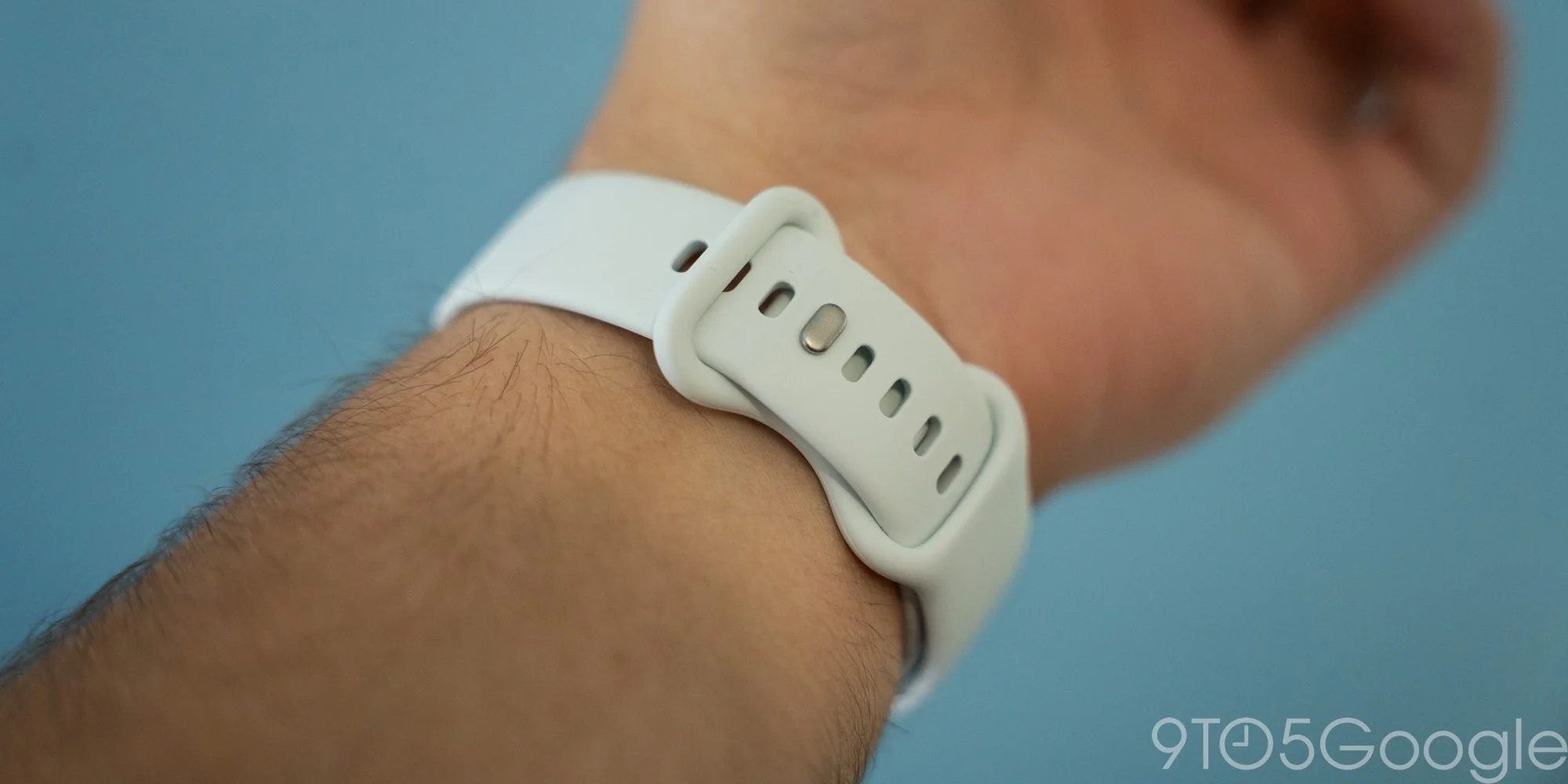
Hardware-wise, Edge is essentially Fitbit Air with a screen. It feels almost weightless next to Pixel Watch and stays comfortable on the wrist. Pixel Watch bands fit, and the included Active band is comfortable, though it attracts dog hair far more readily than my Pixel Watch bands.
Google also sent the Magnet Band. I found it uncomfortable and awkward to fasten: its two halves are the same length, which makes it hard to connect when your wrist falls between sizes. I’d choose the standard Air band instead.
More concerning, the band connector came loose twice during my two-week review, once overnight and once while I was walking around at home. I’d had a similar failure with Charge 5, which nearly came off while I was snowboarding and eventually went unused. Edge seems less prone to the problem, but two failures with official bands are enough to shake confidence. Checking that the band has clicked into place is sensible; having to double-check a supposedly secured tracker shouldn’t be necessary.
The connector makes band changes quick, but Google could have rethought it. Edge can’t use Charge-series bands anyway. I tested the silver tracker in Fog, a finish that can pass in dressier settings with the right band.
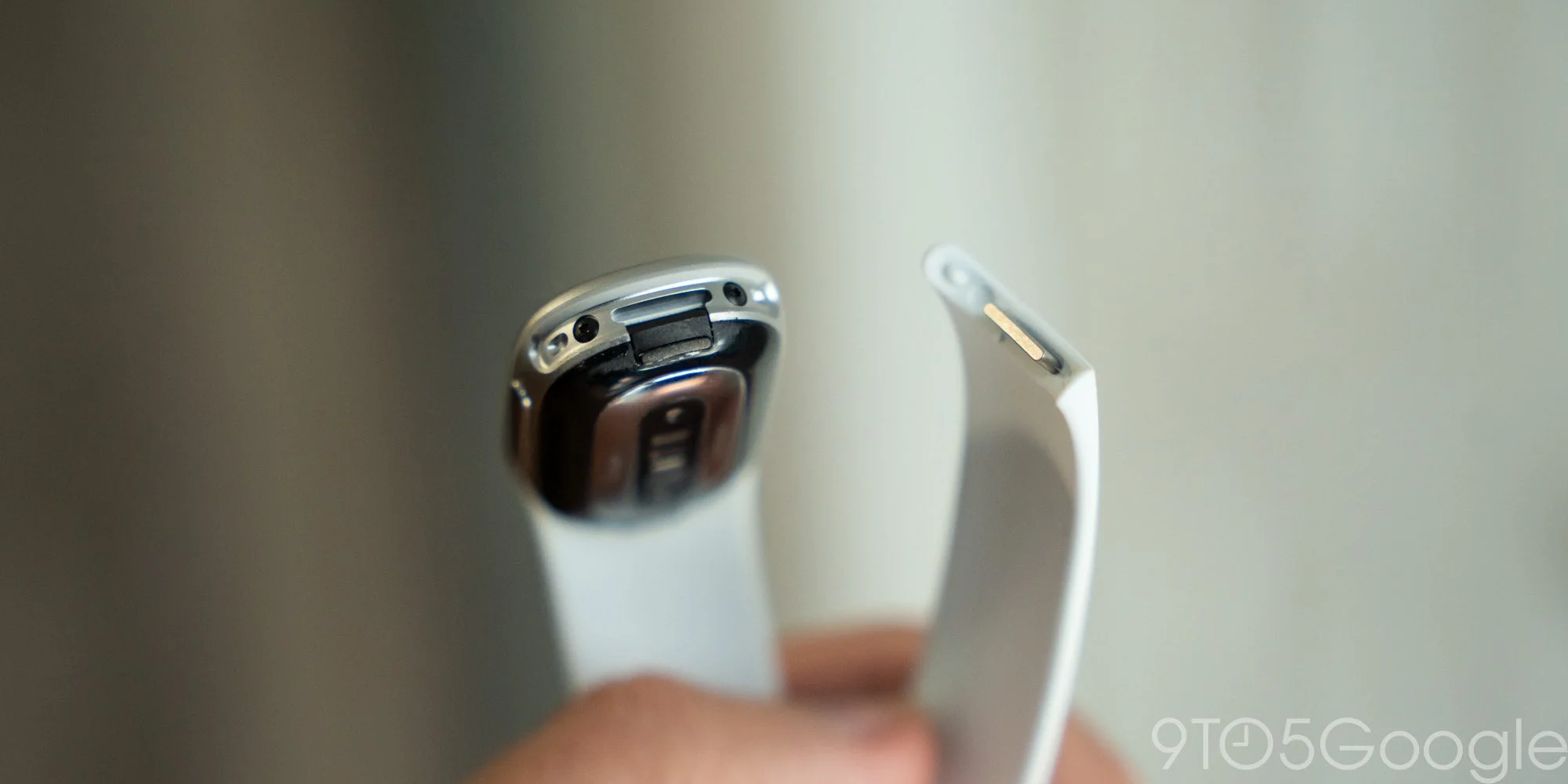
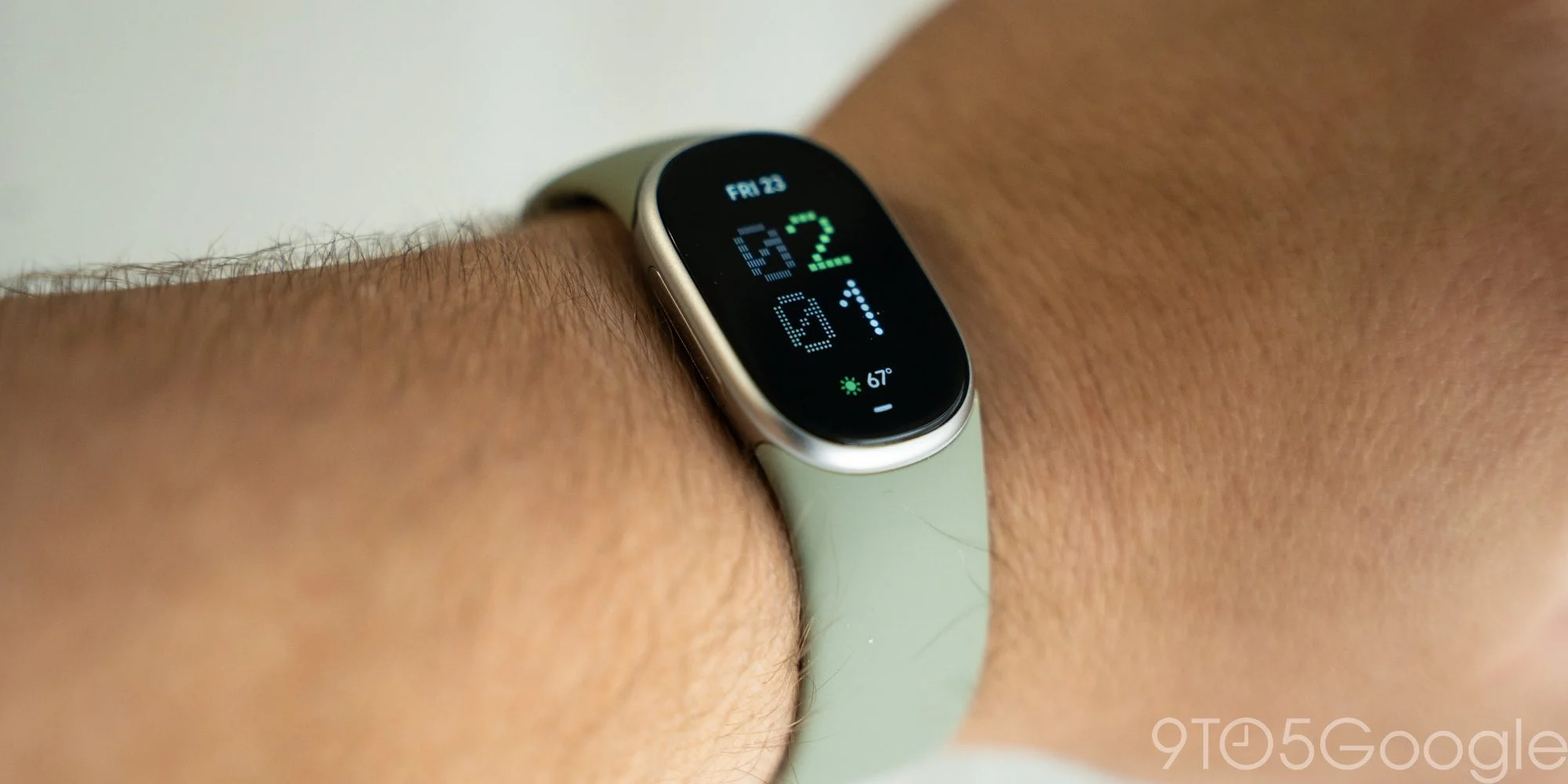
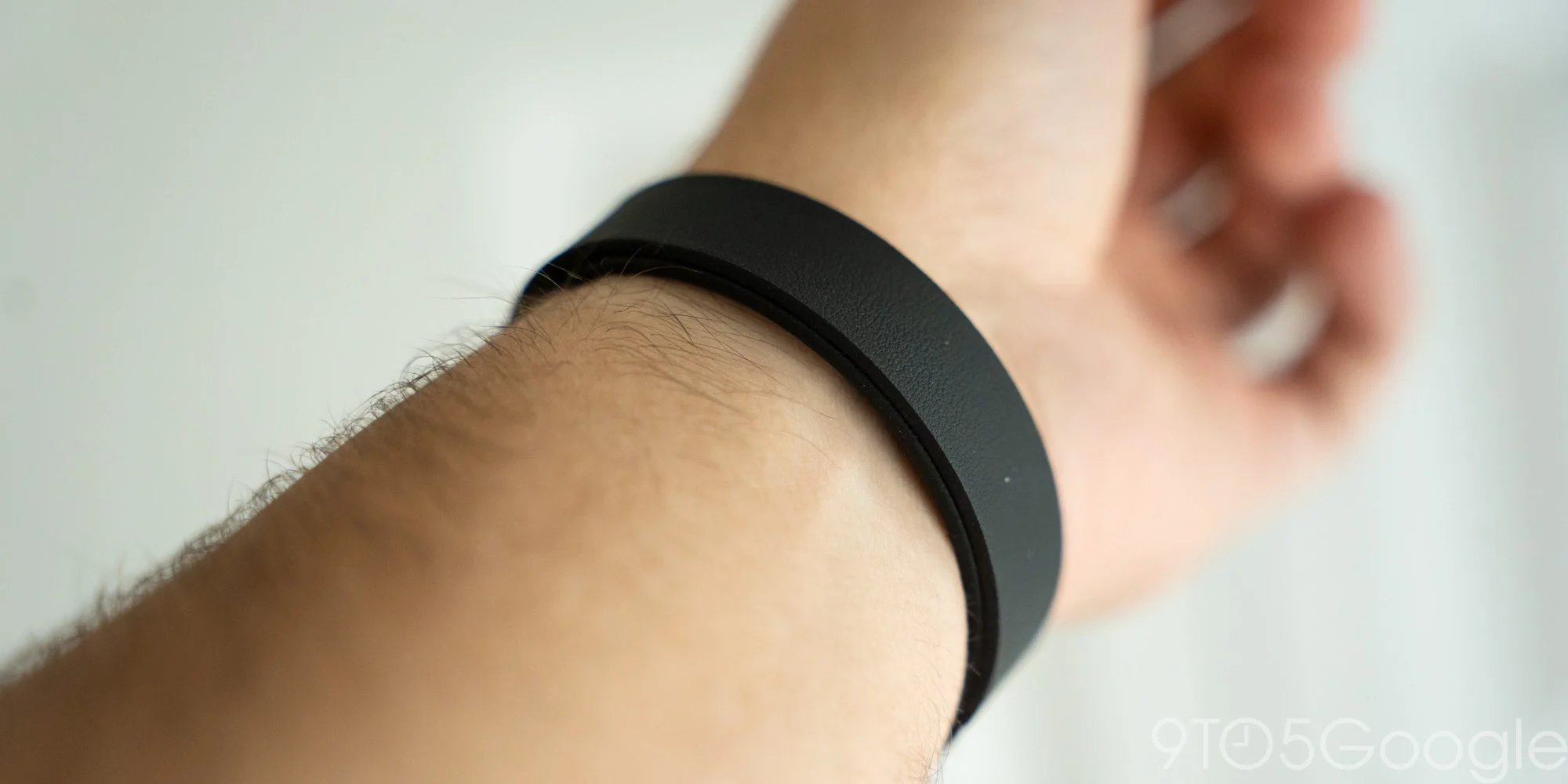
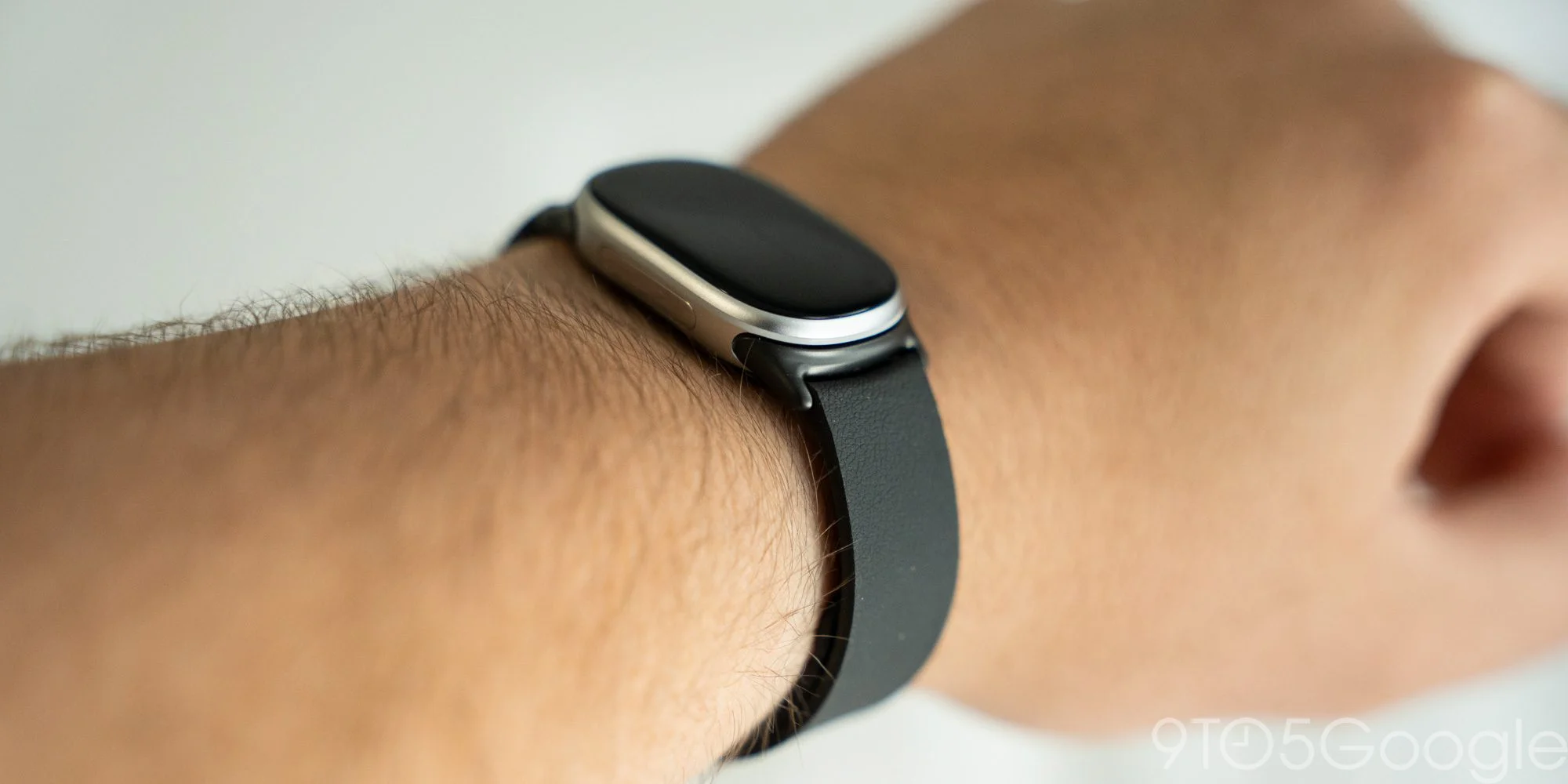
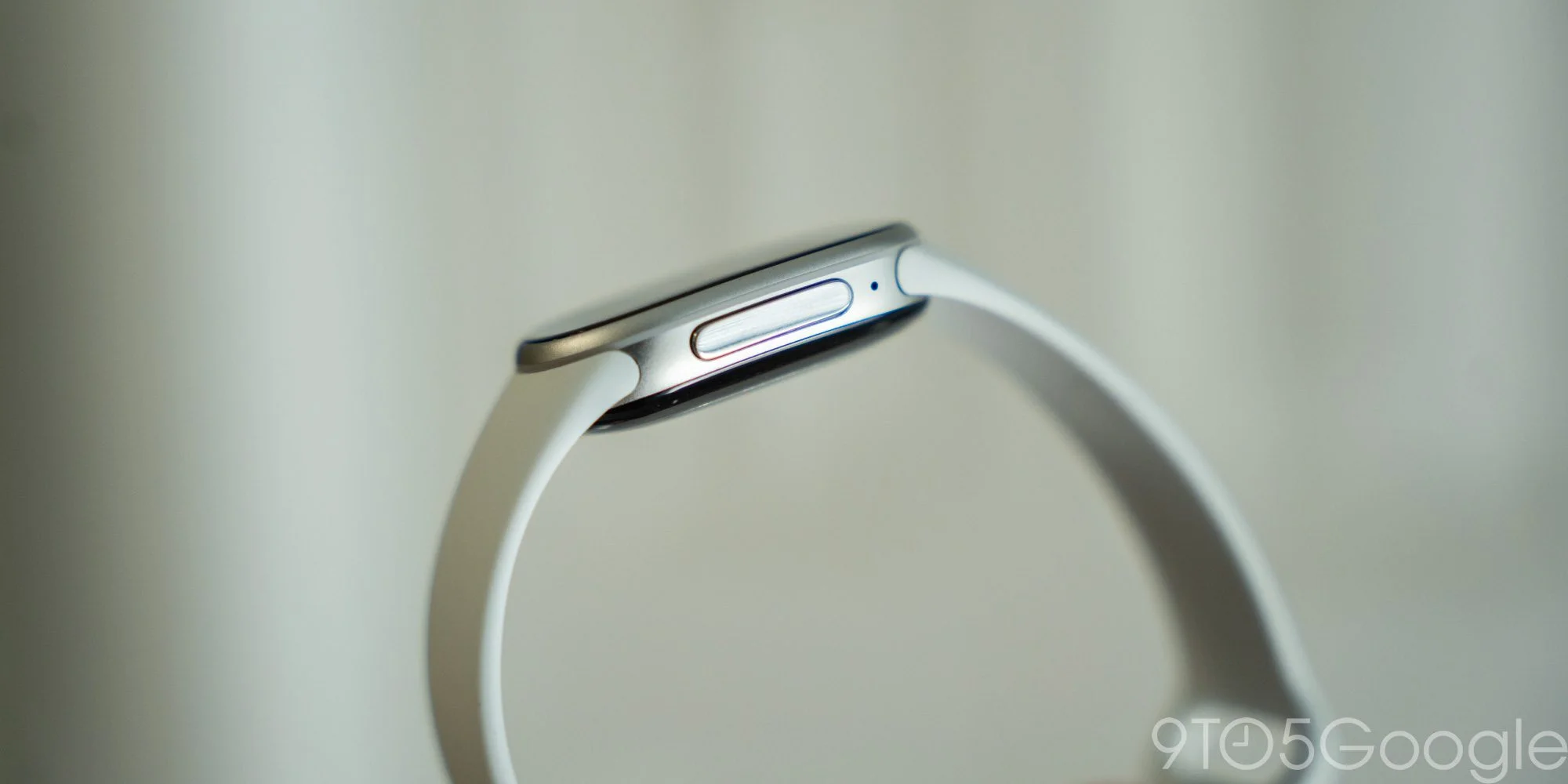
The physical side button is one of the best hardware choices here. Earlier Fitbit trackers used a haptic control that never felt like a real button, especially when turning the device on. Edge’s button isn’t luxurious, but it clicks properly and feels far more satisfying.
Tracking is capable; the Google Health experience is a choice
Over nearly two weeks, I charged Edge once, with always-on display turned off. I used it mostly for treadmill and strength sessions, and its readings broadly matched the baselines from Fitbit Air and Pixel Watch 5. No tracker’s numbers should be treated as ground truth, but Edge is capable enough to help spot patterns and work toward goals.
That data feeds into Google Health, which I’ve used with Air and Pixel Watch for months. The app gives a quick view of cardio, steps and other measures, then offers trend guidance through Coach, powered by Gemini. You can describe goals in everyday language, whether you’re focused on fitness, weight loss or strength training.
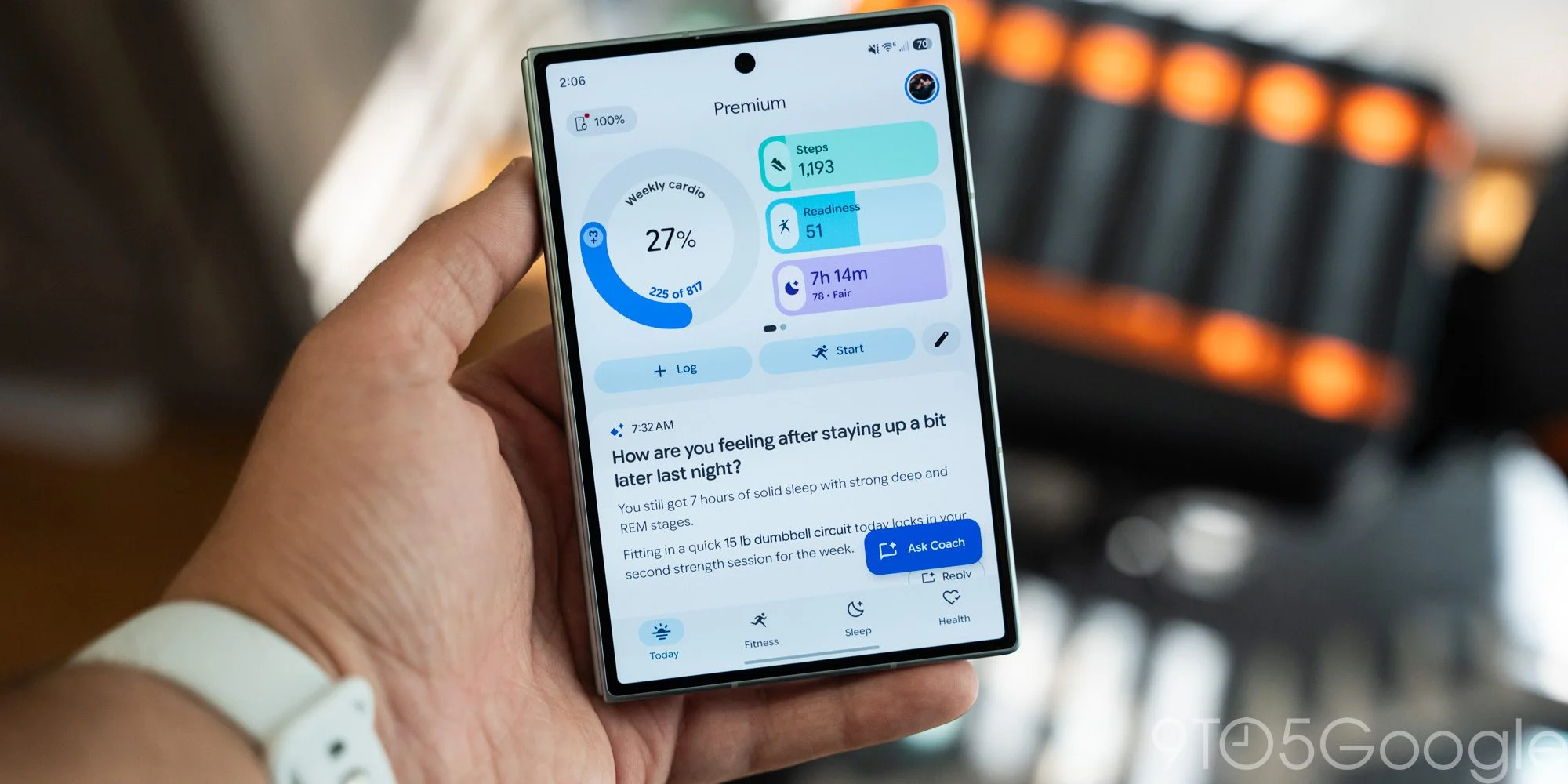
This is a different proposition from the Fitbit experience of years past: familiar tracking sits inside an AI-led app that you may come to value or find irritating. I’ve warmed to it. Daily activity summaries can nudge me to move on quiet days, and Coach has helped me choose strength workouts that fit the time and focus I have.
It still misidentifies automatic workouts at times, and the results will vary. As we found in our Fitbit Air review, this is an AI-driven service, and Google itself warns that “AI may make mistakes.” Most of the app’s advanced features also require Google Health Premium. Edge still tracks steps, heart rate and workouts without it; Premium is included with the AI Pro plan, which also includes Google Home Premium.
Google Health can sync Edge alongside other Google wearables. During my review I used Pixel Watch 5 briefly for a few specific needs, and the app brought the data together across devices. That arrangement is more compelling with a Fitbit Air and Pixel Watch, which work well as companions. I struggle to see the same case for owning Edge alongside either one.
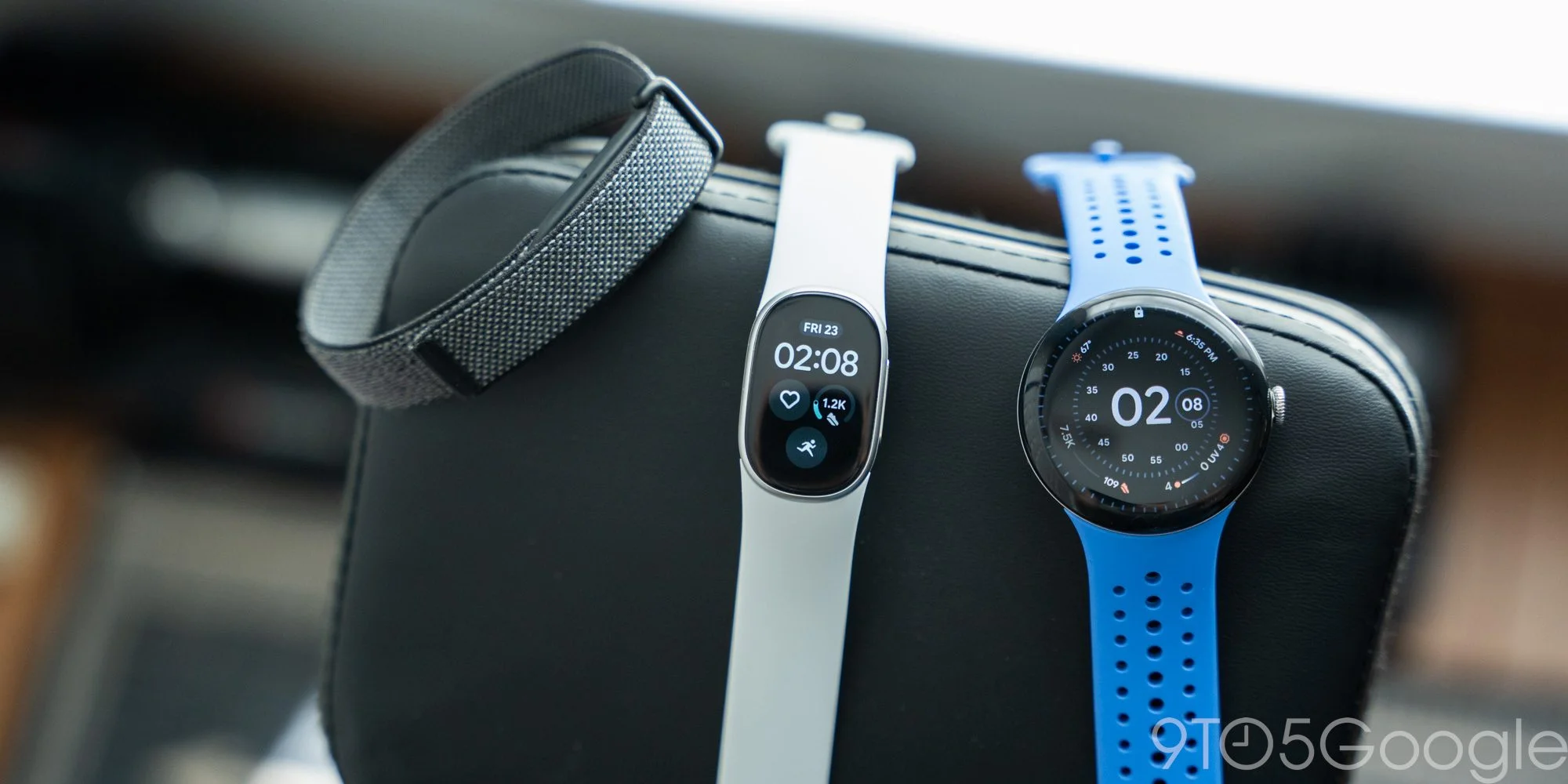
That’s the problem with this middle option. Edge occupies a narrow space between products: it offers more than Fitbit Air, but it remains far from Pixel Watch. The screen gives it real utility, yet the software snags, missing Wallet support and uncertain band connection make the upgrade feel incomplete.
A capable tracker caught between two ideas
The Fitbit Edge’s problem is also a measure of how much my own needs have changed. I’ve come to value the Fitbit Air for the breathing room it offers from a constantly connected life, then reach for the Pixel Watch when I want apps and broader smart features. The Edge tracks fitness well, but sits awkwardly between those roles: more involved than the Air, yet less capable than the Pixel Watch.
Here’s the thing: the Edge may make more sense as a familiar Fitbit tracker than as a new category of wearable. It updates a formula millions of people have used for years, and judged on those terms, it’s a good device. Whether that’s enough depends on what you want from a wearable—and whether you’ve moved on from the traditional fitness band. I have.
Fitbit Edge shipping begins October 27.
Google Fitbit Edge
Pros
- Excellent battery life
- Much better software than Fitbit Edge
- Google Health is a good fitness coach
Cons
- Limited functionality outside of fitness
- Clunky clock face selector
- Paid subscription to unlock most features
Follow Ben: Twitter/X, Threads, Bluesky, and Instagram

FTC: We use income earning auto affiliate links. More.
Discussion
Sign in to join the discussion.