Android 17 QPR2 Beta 3 enhances Pixel features, including better theming and security measures against call forwarding fraud.
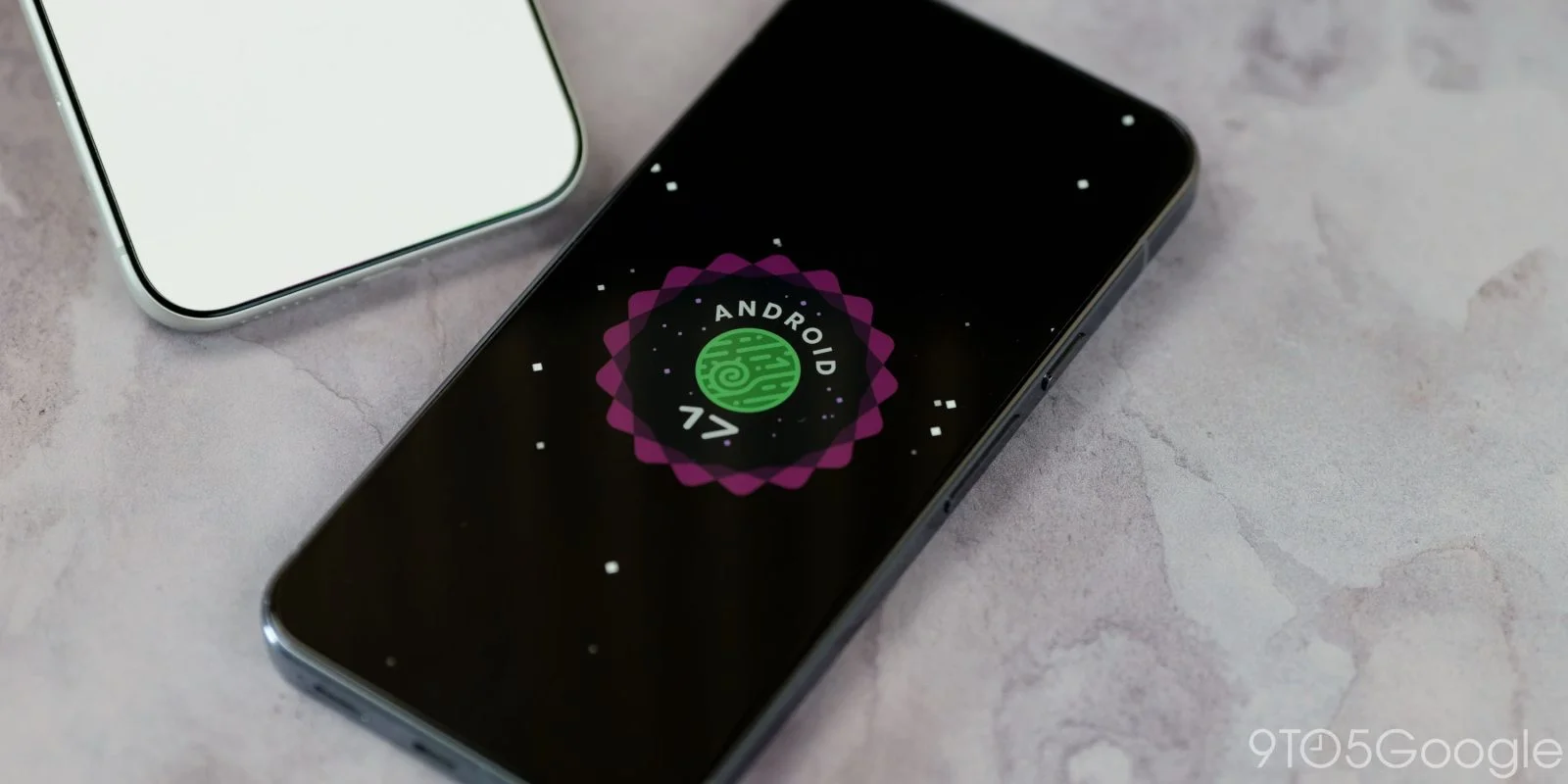
Android 17 QPR2 Beta 3 Released for Pixel Devices
Google's recent deployment of Android 17 QPR2 Beta 3 for Pixel devices stands out not just as a routine update but as part of an ongoing commitment to enhance user experience through iterative development. This rollout illustrates a trend where tech giants like Google increasingly lean on beta programs to gather user feedback and refine their offerings. For many users, participating in these betas offers a preview of upcoming features that could shape their daily interactions with devices.
New Features in QPR2 Beta 3
This latest beta is not merely a collection of tweaks but a substantial update that introduces functionalities aimed at improving the Pixel ecosystem:
- Dynamic Color theming has received a significant upgrade, broadening customization options for users. This feature has proven popular among users who appreciate personalization, as it allows them to tailor their device's aesthetics according to their preferences.
- The ability for users to customize the Quick Settings layout could ultimately streamline device interaction. This change reflects a growing recognition of user preference for tailor-made shortcuts that deliver convenience.
- Another striking enhancement is the incorporation of system-wide blur effects on the lock screen. This feature adds an extra layer of visual appeal and depth to the user interface, enhancing the overall aesthetic value and modern feel of the platform.
- The addition of an app locking feature signifies a crucial step toward enhanced privacy and security. As concerns about data breaches grow, users are keen on safeguarding their sensitive information, making this update particularly timely.
Resolved Issues and Security Improvements
Along with new features, the changelog for Beta 3 highlights critical bug fixes that address issues reported in earlier versions:
- Google tackled visual corruption problems that occurred when accessing the notification shade and Quick Settings menu. These glitches not only marred user experience but also occasionally caused unexpected device restarts—an issue that could be incredibly frustrating.
- A fix has been implemented regarding the Device Health tool, specifically correcting inaccuracies in battery status warnings. Dealing with incorrect battery information can lead to misunderstandings about device usage and battery management.
One of the standout updates in this beta focuses on improving user security by combatting call forwarding fraud, a growing concern in mobile tech. By rolling out new protective measures, Google has made it clear that user safety is a priority moving forward.
Android 17 QPR2 Beta 3 enforces stricter measures against programmatic call forwarding, aimed at protecting users from potential scams.
- The restrictions placed on the
sendUssdRequest()API will prevent unauthorized access to call-forwarding commands through standard app permissions. This change tackles a common vector for fraud, which increases users' vulnerability. - In an effort to reinforce user safety, a confirmation dialog will now prompt users who manually enter call-forwarding codes. For many, these seemingly innocuous codes can be the gateway to scams if entered incorrectly.
- It's important to highlight that non-call forwarding related USSD requests remain unaffected by these updates. This balance ensures that essential services, such as mobile transfers, can continue to function without disruption.
- Developers will need to rethink how they integrate features related to USSD commands, ensuring that they handle the
USSD_ERROR_NOT_ALLOWEDcallback carefully. They should also utilize theACTION_DIALintent for user confirmation, adding another layer of protection.
Getting Started with Beta 3
For eager Pixel users wishing to experience these updates firsthand, the process to get involved is straightforward. Users can report any issues via the Android Beta Feedback app, which is readily available in the application drawer or through Quick Settings.
Support and community engagement are robust, with users encouraged to connect through the Android Beta community on Reddit. This platform allows users to share experiences, troubleshoot problems, and discuss new features amongst fellow enthusiasts.
Moreover, Android 17 QPR2 Beta 3 system images are compatible across various Pixel models, including the Pixel 8 series and the Pixel Tablet. Users can enroll in the Android Beta Program for OTA updates, creating a seamless pathway for wanting to try out the latest innovations.
Implications and Future Outlook
The enhancements seen in Android 17 QPR2 Beta 3 point to a larger trend towards personalization and security in consumer tech. If you’re working in this space, you might find it fascinating to note how these updates cater to user desires for both customized experiences and privacy.
The focus on security, particularly regarding call forwarding fraud, underscores a shift in how tech companies are addressing vulnerabilities in their systems. Users have become increasingly aware of potential risks associated with mobile technology, prompting companies like Google to take proactive measures.
As these features roll out more broadly, the implications extend beyond just improved aesthetics and user experience; they signal an industry-wide recognition of the importance of user-centric development. Will future Android versions build upon these features? Or will we see a shift elsewhere? Only time will tell, but for now, this update is significant in shaping user expectations.
Watching this trend is essential, and perhaps even exciting, as future iterations may significantly reshape how we think of mobile interfaces.
Discussion
Sign in to join the discussion.