Google TV’s fullscreen roundup groups features rolled out over several months, from 300-plus Freeplay channels to Gemini photo remixing.
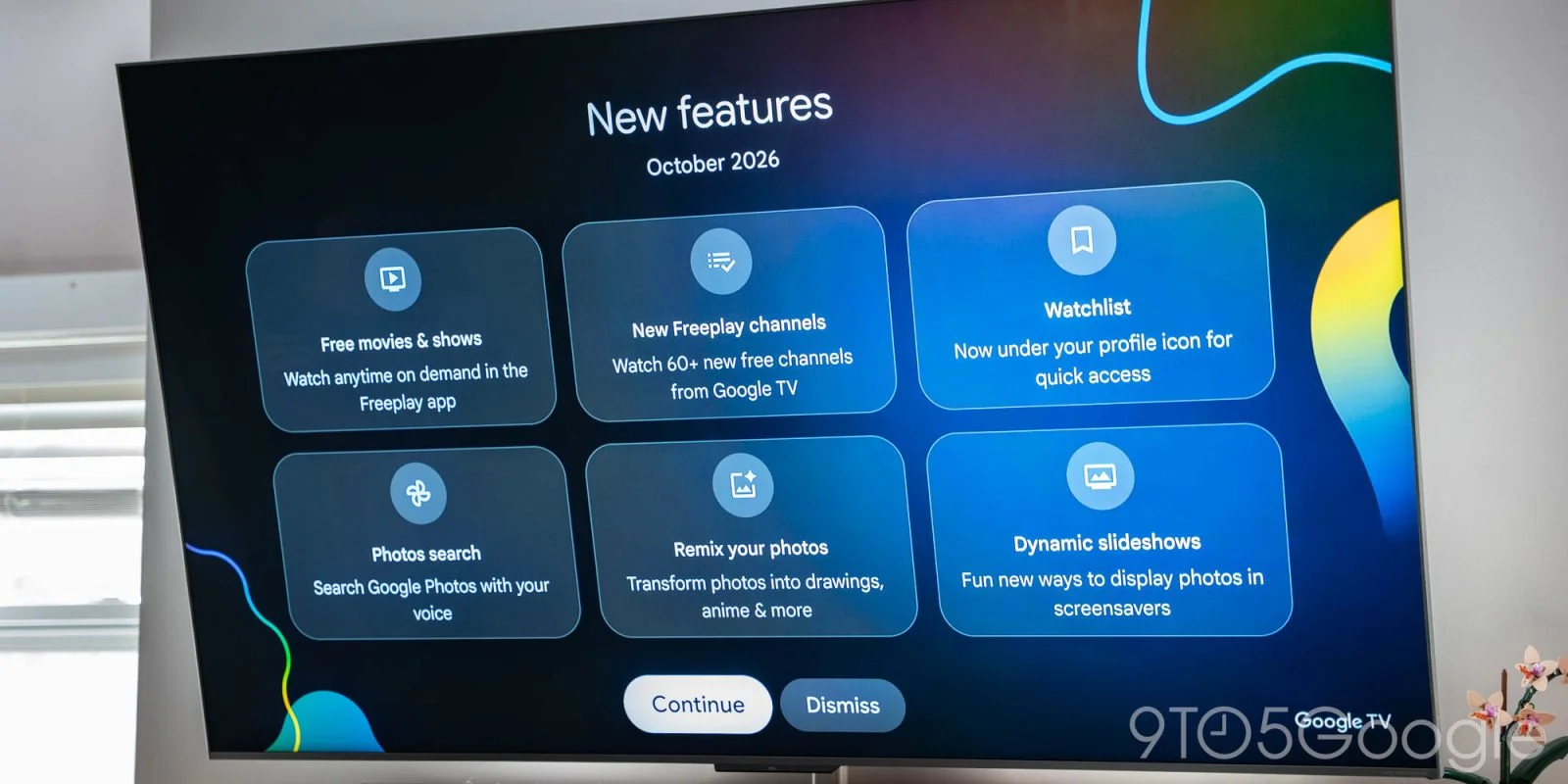
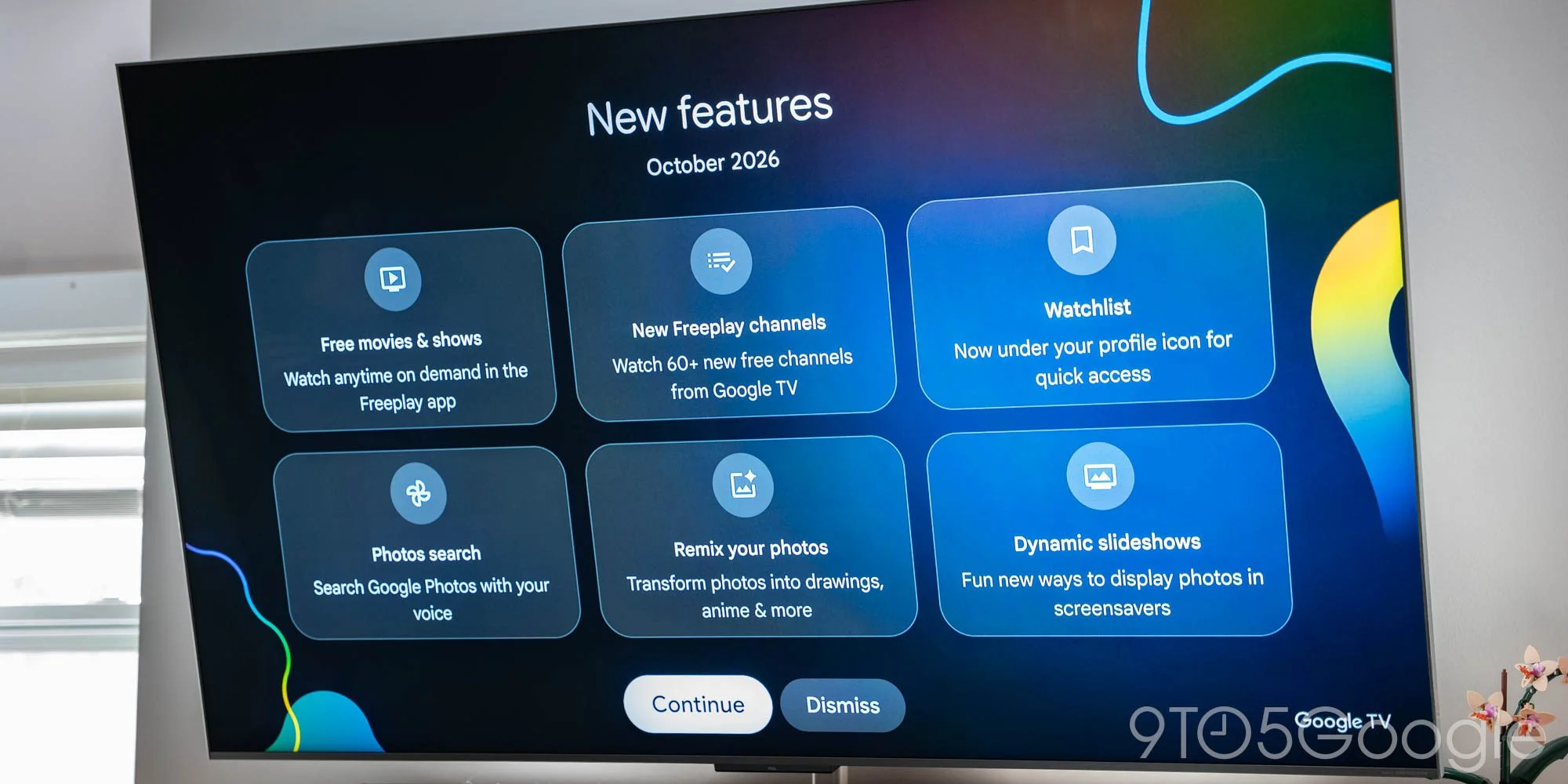
Google TV’s latest fullscreen feature roundup puts months of updates in front of viewers at once. The October 2026 notice is appearing this week on Google TV Streamer and other devices, even though most of its highlights have been available for some time. That timing gives the notice two jobs: it promotes the platform’s features and catches people up on changes they may not have seen when they first arrived. The result is less a launch announcement than a guided tour of what Google TV can already do.
What Google is highlighting
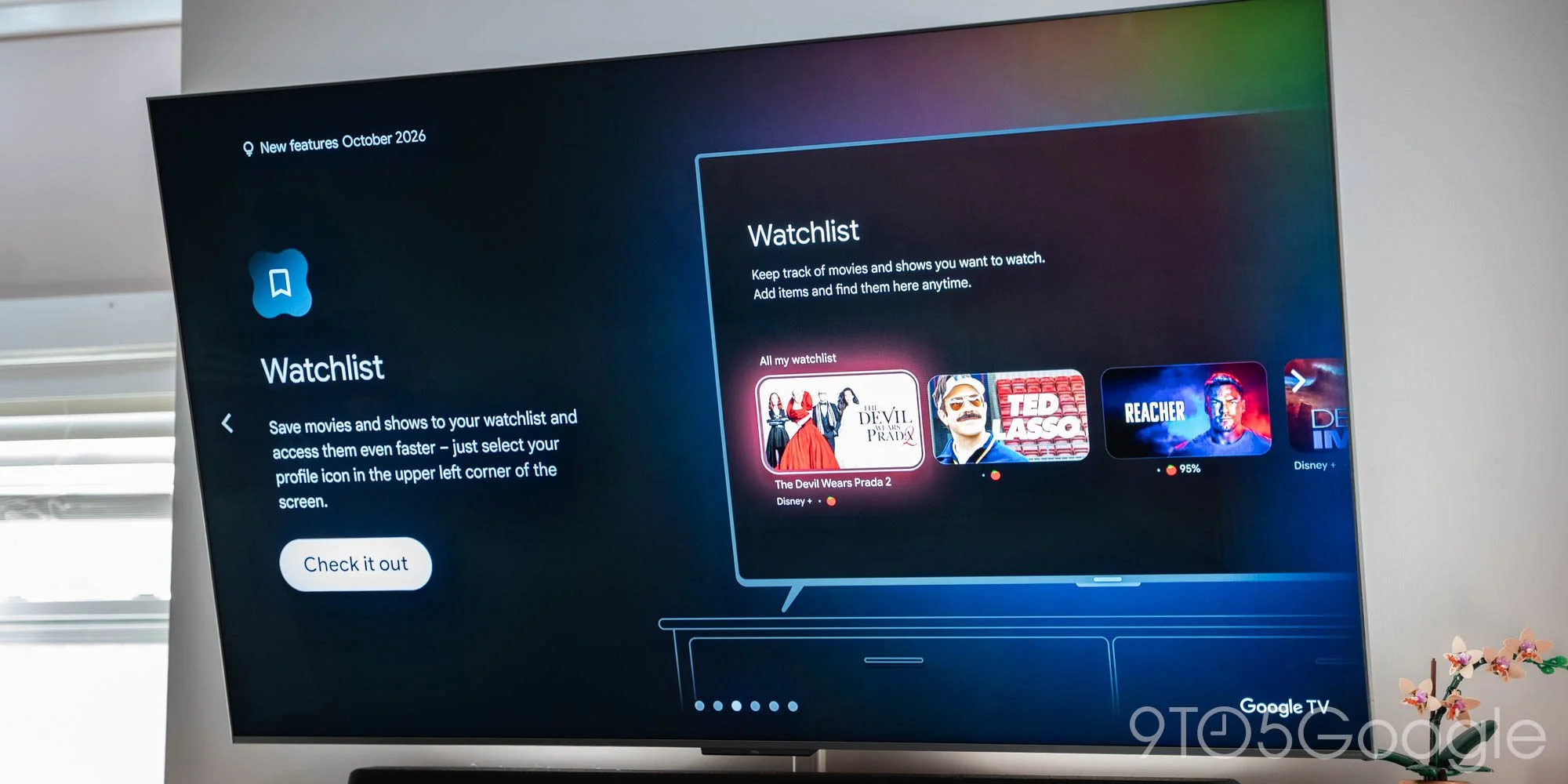
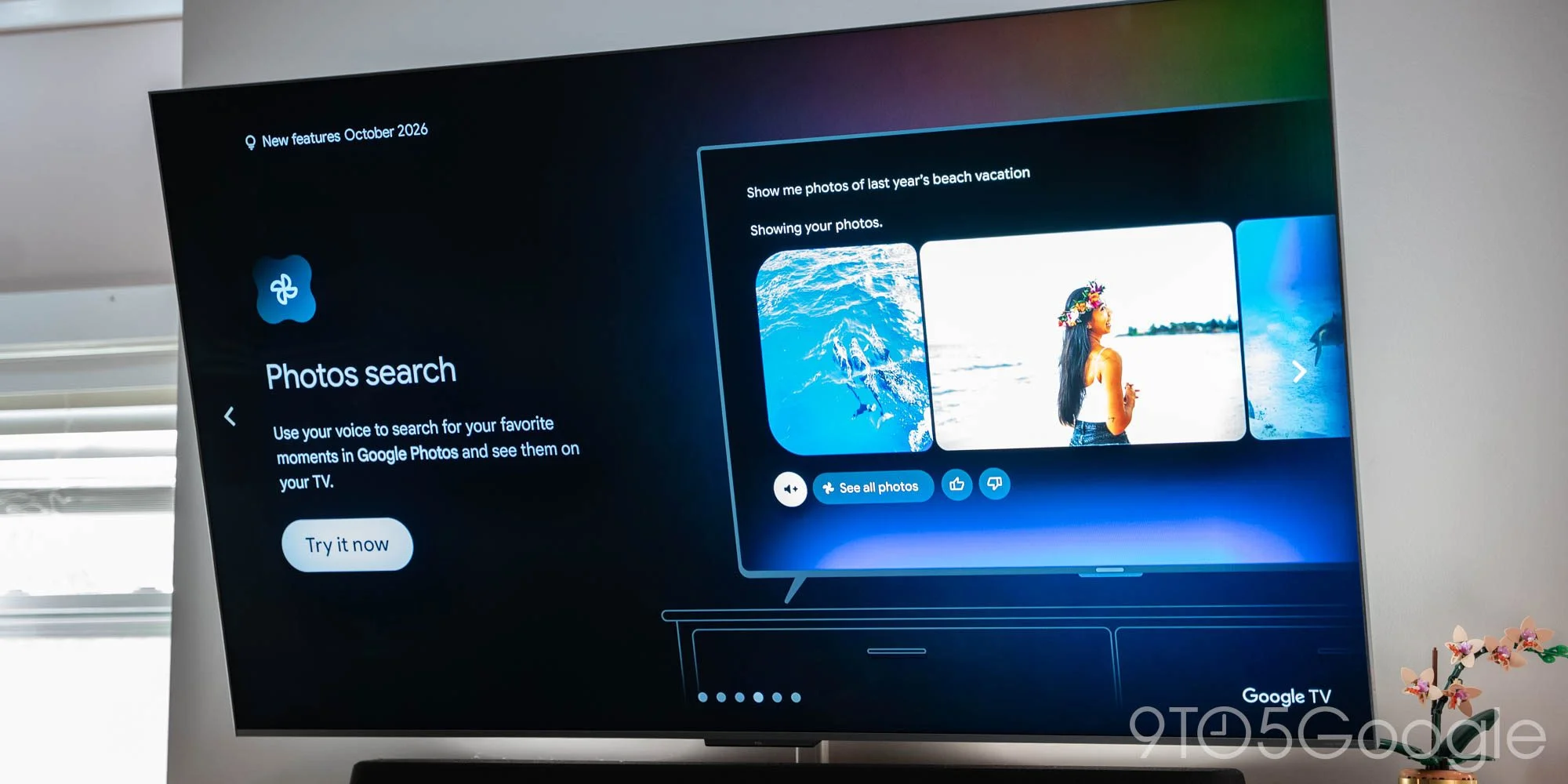
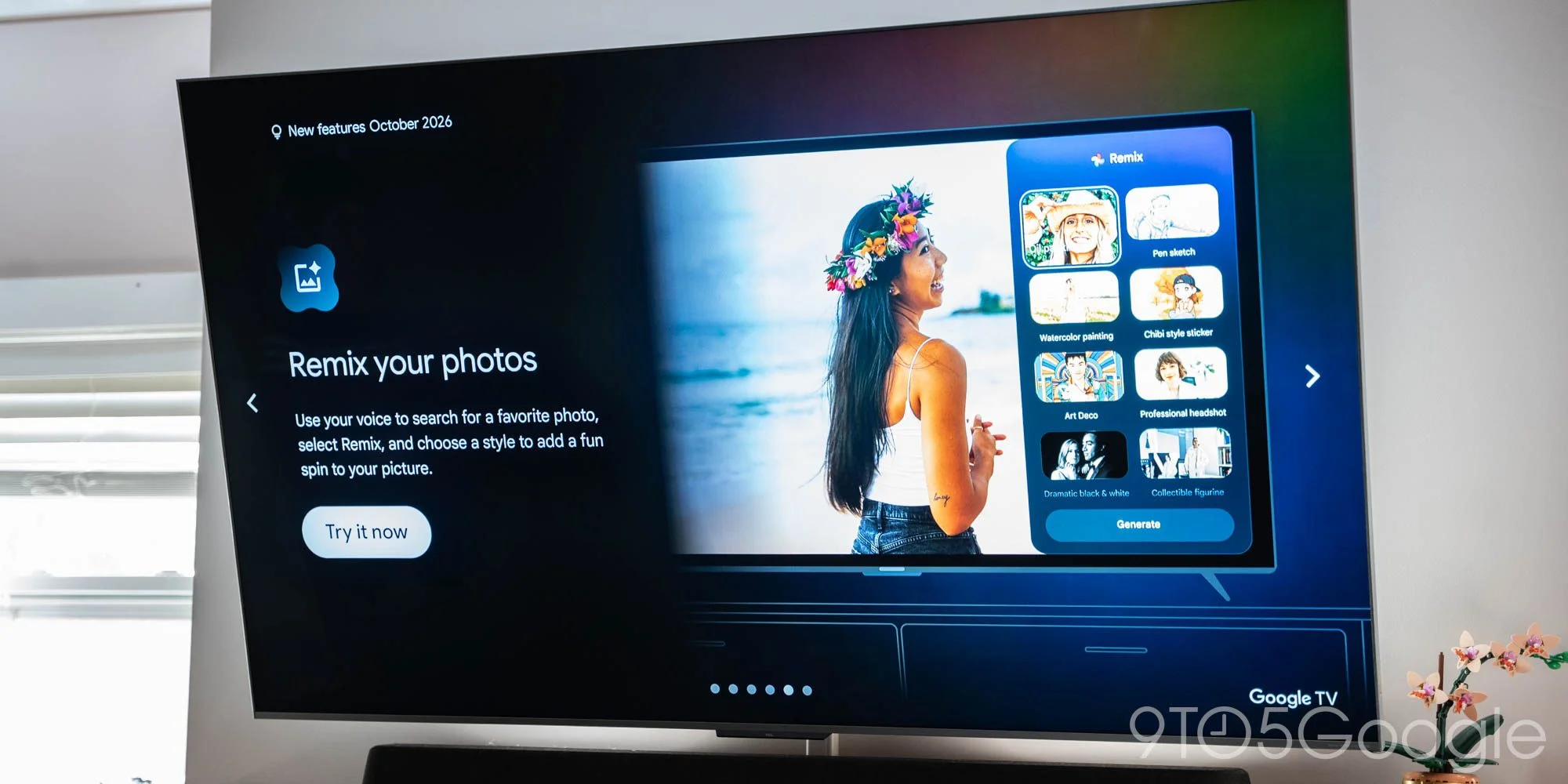
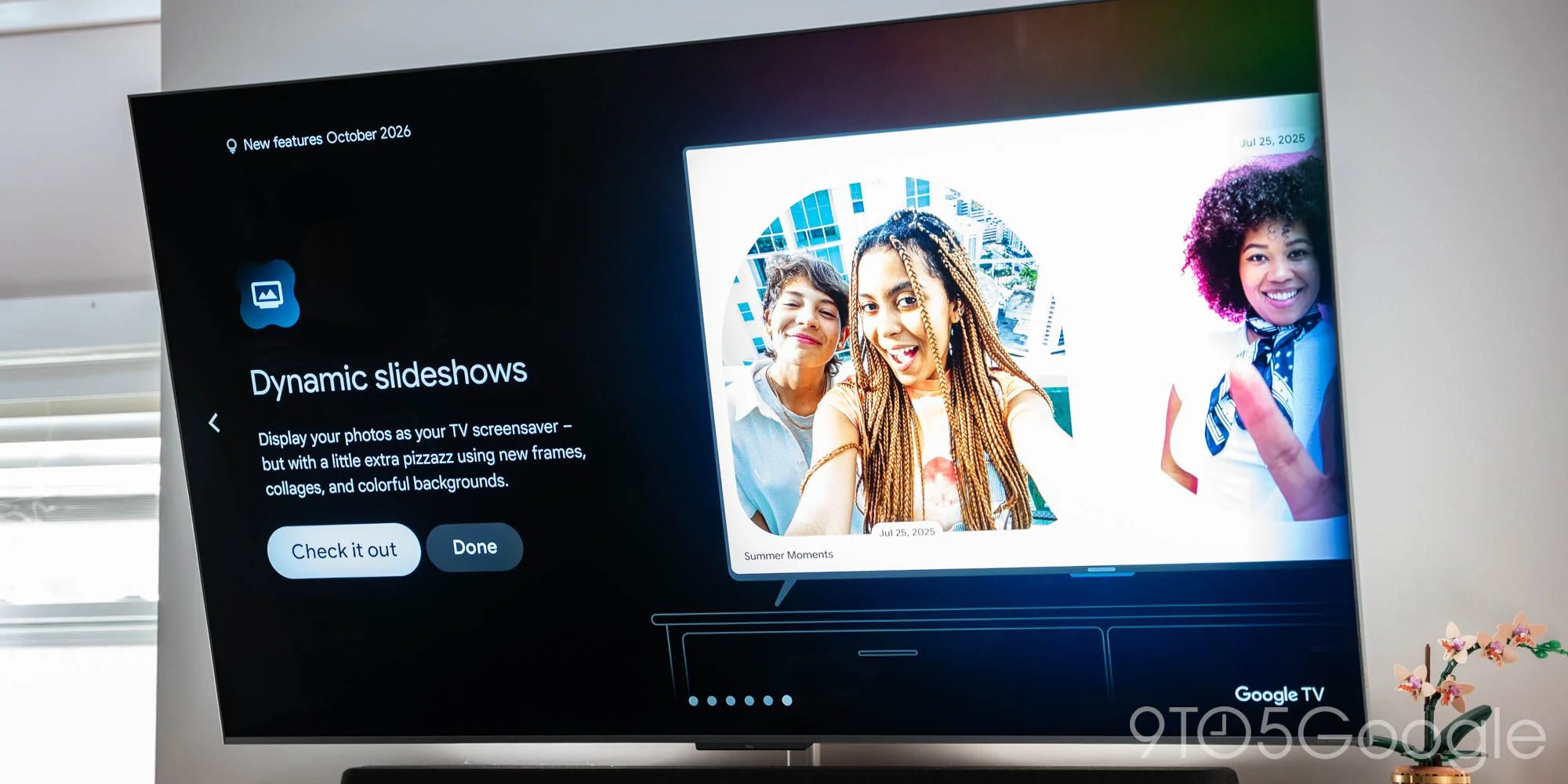
The roundup covers new Freeplay channels and on-demand titles, a relocated Watchlist, Google Photos search, Gemini-assisted “Remix your photos,” and dynamic slideshows. The features span entertainment discovery, personal photo access, and ambient display options. Taken together, they show how Google is presenting the TV interface as a place for more than choosing a show: it’s also a hub for browsing free programming and displaying personal media. That broader pitch is familiar across TV platforms, where the home screen has become a front door to both content and connected services.
Most of the updates aren’t new
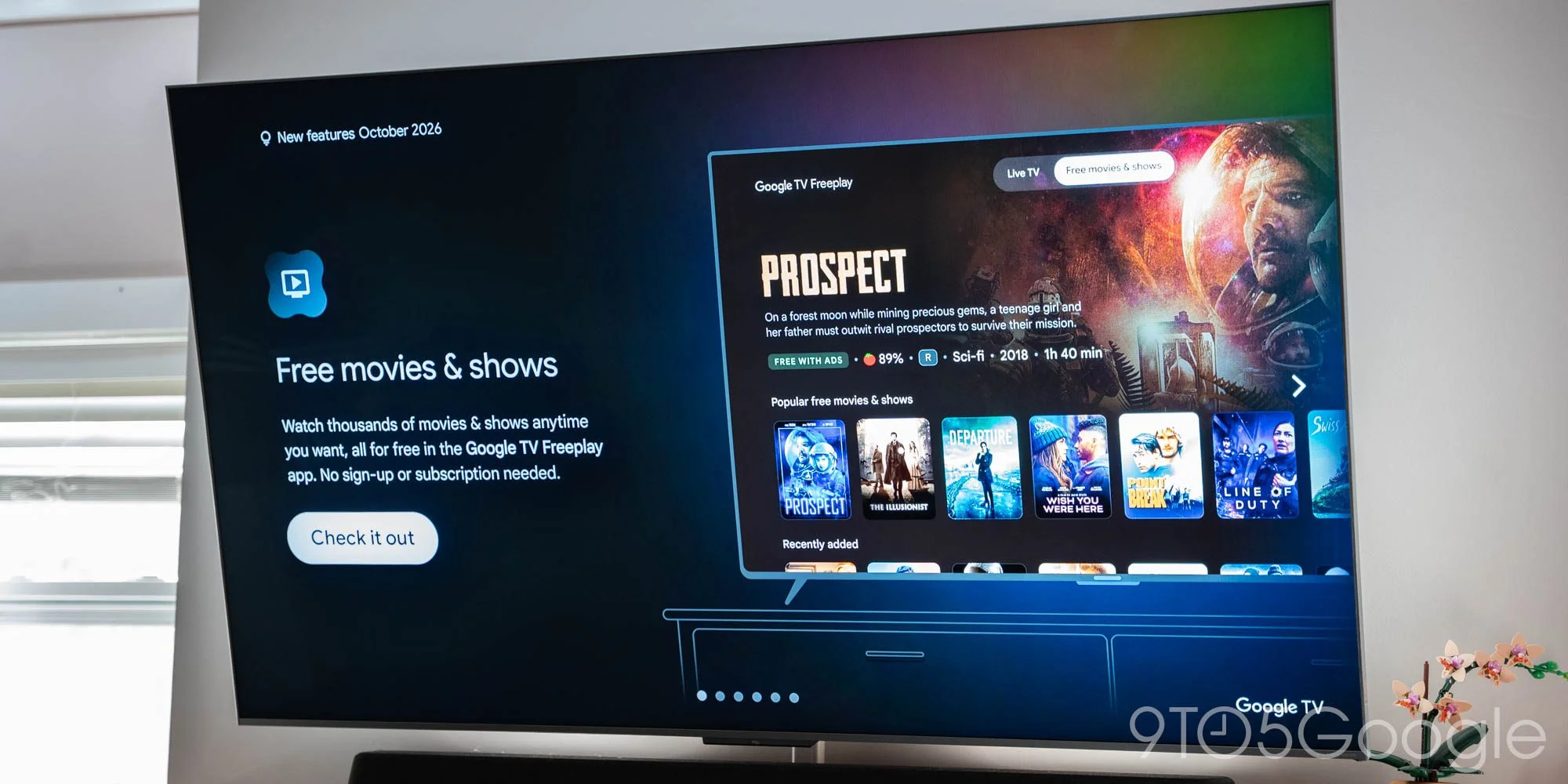
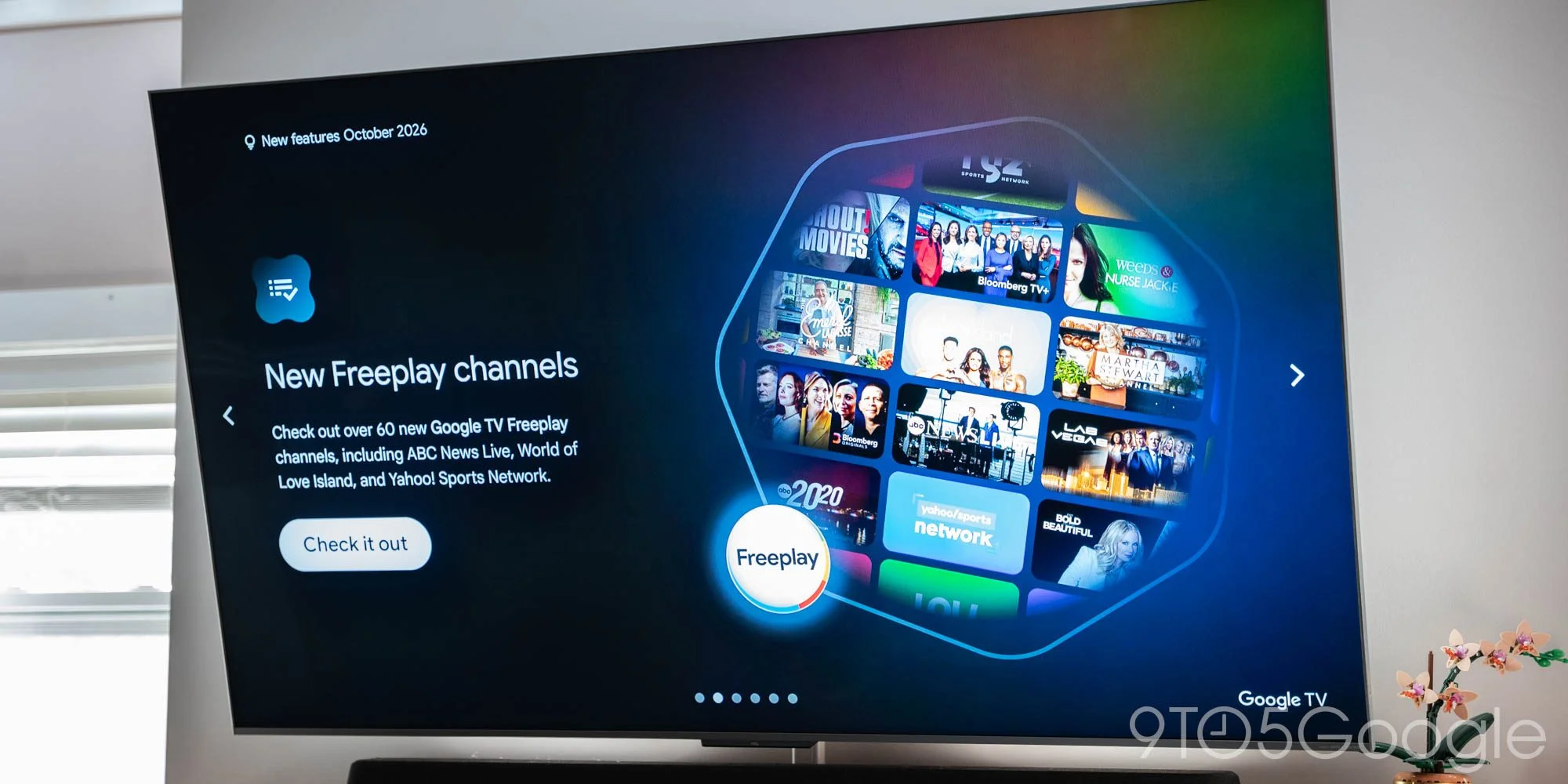
Freeplay now has more than 300 built-in channels, and Google announced its expansion of free on-demand movies and shows in August before rolling it out shortly afterward. Dynamic slideshows arrived in April, while Google Photos search dates back to January. The Watchlist’s new home came with a homescreen redesign in November of last year. The staggered history matters: someone who follows product announcements may recognize several items as established features, while a viewer who mainly turns on the TV may encounter them for the first time in this roundup. Google is gathering changes from across different release windows and presenting them as a single package.
That leaves Gemini-powered photo remixing as the only clearly recent addition in the list. Google has sent these fullscreen roundups to Google TV devices a few times a year, but this one stretches the meaning of “new” across a particularly wide window. For viewers, it’s a useful reminder of features they may have missed; for Google, the roundup makes the platform’s recent additions easier to discover in one place. Here’s the thing: a feature can be available and still be effectively invisible if people don’t notice where it lives or why they might use it. A prominent TV notice can address that discovery problem, though it can also make older updates feel newly launched. The numbers here are underwhelming as a measure of novelty: only one item is clearly recent.
Why the timing matters
The format says something about how platform updates reach ordinary users. Software companies often announce features through blogs, release notes, or brief interface prompts, but those channels compete with the content people came to watch. A fullscreen roundup gives Google a more direct way to put several capabilities in view at once. It also shifts some of the work of explaining the product from scattered announcements to the interface itself (and this is the part most people overlook): presentation can influence whether a feature registers as useful, even when the underlying function hasn’t changed.
That approach has a tradeoff. Grouping features makes the platform’s breadth easier to understand, but dates and rollout history become less visible; viewers may not know which change is fresh or whether they already have access to it. If you're working in this space, the lesson is that product communication isn’t just a question of announcing launches. It’s also about helping people find capabilities after launch, without blurring the distinction between a new release and a reminder.
What viewers should take from it
For viewers, the roundup is most useful as a map. Freeplay and its on-demand catalog address the question of what to watch without starting from a paid service, while Watchlist placement affects how people return to titles they’ve saved. Google Photos search, photo remixing, and slideshows extend the TV’s role into personal media and ambient display. Those uses won’t matter equally to every household. But seeing them together makes the platform’s range clearer, and may prompt people to try a feature they had overlooked.
The Gemini-assisted remix feature deserves particular attention because it’s the one clear new arrival in this notice, though the source provides no further detail about how it works or what limits it may have. For now, the safest reading is that Google is drawing attention to a new photo option alongside a backlog of established additions. And yet. The roundup’s value will depend on whether viewers find the features relevant after the prompt disappears. A polished announcement can improve awareness; regular use still has to earn its place in the living room.
Discussion
Sign in to join the discussion.