The latest update of Google's Gemini app for macOS introduces significant iMessage functionality, enabling users to send and read messages effortlessly.
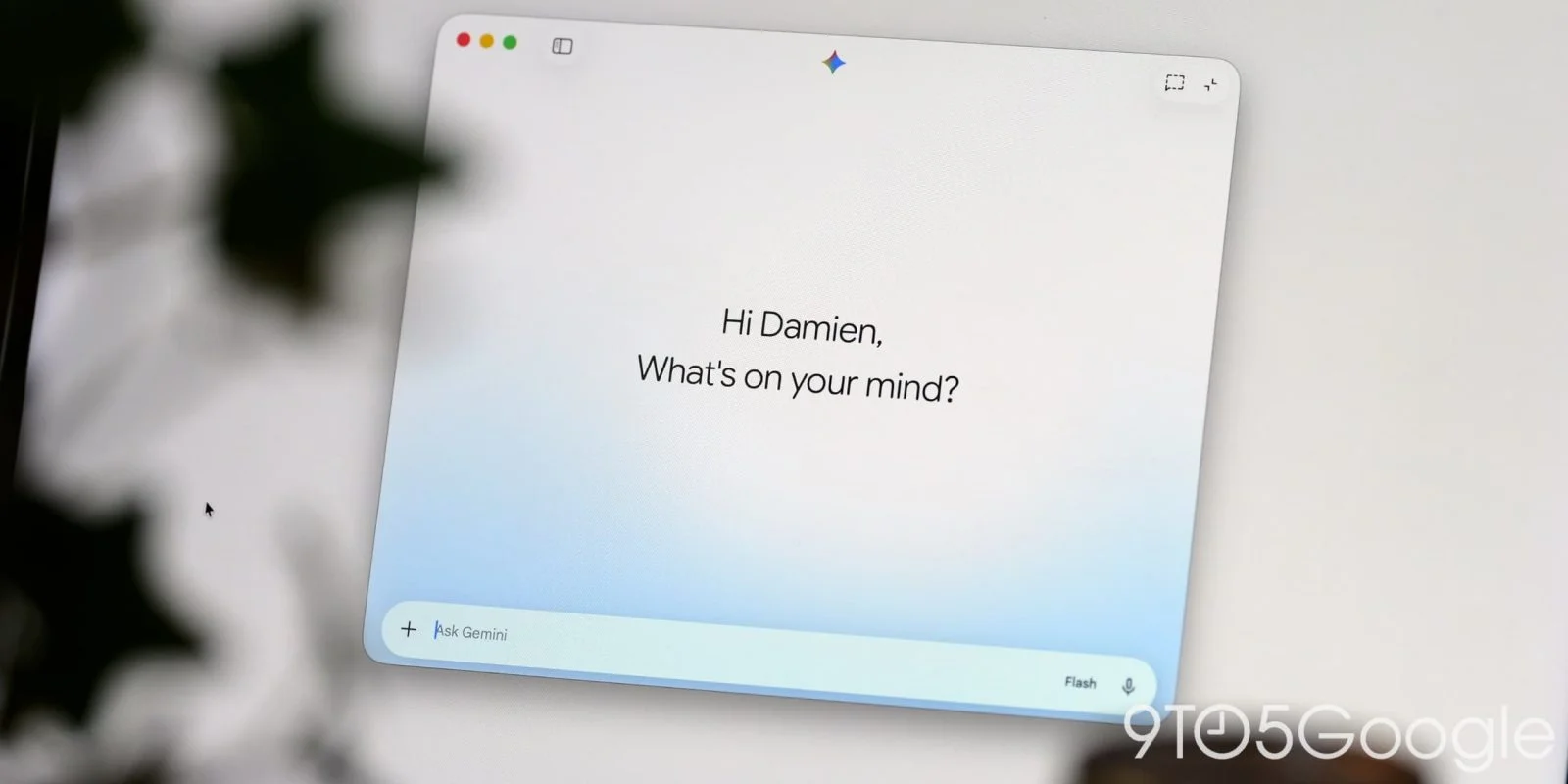
Google's recent update to the Gemini app for macOS adds an impressive feature: direct integration with iMessage. Following its launch on Windows, the app now allows Mac users to interact with Apple Messages through a streamlined interface. This crossover into Apple's messaging platform is more than just a software tweak; it represents a key decision by Google to make its tools more accessible across operating systems. With competition intensifying in the productivity app space, integrating with a system as popular as iMessage signals an important strategic shift.
Key Functionalities
This latest integration, known as @messages, empowers users to "Read, search, and send messages in Apple Messages." Specific functionalities include:
- Sending messages to specific contacts or phone numbers.
- Accessing recent conversations, retrieving unread messages, and searching through message history.
These features are designed to enhance productivity, allowing users to manage communications without jumping between apps. You can imagine an executive at a meeting using Gemini to quickly send a message without needing to navigate away from their current screen. That said, while these integrations may save time, they also raise questions about what other essential functionalities are missing, given the ever-increasing demands of effective communication.
Contextual Utility
The integration aims to enhance user context by facilitating quick lookups from conversations. Here are a few potential prompts:
- Send a message to John: "Running 5 minutes late!"
- Show my recent messages from Sarah.
- Search Messages for dinner reservations.
By offering streamlined queries, the Gemini app positions itself as not just a tool but a companion for daily tasks. It's like having a digital assistant that knows your context—helping you communicate without missing a beat. However, while this productivity boost looks appealing on paper, the effectiveness ultimately hinges on real-world usability. If you're working in this space, you'll appreciate tools that enhance convenience without sacrificing depth.
Limitations
While the iMessage integration expands the app's capabilities, it does come with notable restrictions:
- No management of group participants or chat photo changes.
- Unable to schedule future messages or edit sent ones.
- Exclusively plain text messages—attachments such as files or images cannot be sent.
- No support for tapback reactions like love or dislike.
- Cannot generate images within automated tasks.
These limitations paint a clearer picture of Gemini’s current state. Despite some useful functionalities, users might feel restricted when trying to communicate effectively through iMessage. The absence of tools to edit messages or send multimedia content can create friction, forcing users to revert to the native iMessage app for more complicated interactions. A direct comparison shows that while Gemini offers basic messaging capabilities, it lacks the richness of features that Apple users have come to expect.
Accessibility and Updates
This integration feature will appear under Settings > Connected Apps after updating to version 1.116.5.889 of Gemini for macOS. However, some users may currently encounter issues as the server-side component for @messages is still being rolled out. It's common in software deployments for features to roll out unevenly, and users may experience hiccups—certain functionalities may not be available immediately, diminishing the user experience out of the gate.
Recent enhancements to Gemini include a File Providers extension, enabling an "Add to Gemini" option when right-clicking files in Finder. This serves to simplify the addition of documents to prompts, which is a necessary enhancement for users managing various documents efficiently. Other updates also brought Images, Videos, and Daily Brief sections to the side panel, improving the app’s versatility. Yet, it remains to be seen how these functionalities will converge to create a truly integrated experience.
Implications and Future Outlook
The integration with iMessage could have broad implications for how users interact with cross-platform applications. Many users find themselves juggling between different messaging platforms, so improving accessibility is crucial. Google’s strategy to streamline communication across platforms suggests it’s aiming to capture a larger share of productivity software, which often dictates user preference for one app over another.
However, there’s a growing concern about whether Google can navigate the tricky waters of user expectations. If the limitations persist, users may find themselves frustrated and turn back to traditional applications that currently meet their needs more effectively. And this is the part most people overlook: in a market where instant communication is key, anything less than comprehensive functionality may lead to user disappointment.
As enhancements continue, the next steps for Google will likely involve listening closely to user feedback and expanding functionalities accordingly. The question is: will they act quickly enough? If you’re invested in this area, keep an eye on how these features evolve and what gaps still need addressing to meet user demands.
Discussion
Sign in to join the discussion.